Tech
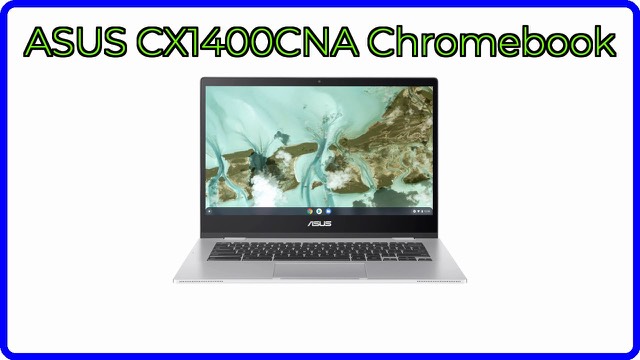
ASUS Chromebook CX1 CX1400CNA 14-inch: features, specs and who it suits
A 14-inch Full HD Chromebook with an Intel Celeron N3350, 4GB RAM and 64GB eMMC storage. What the specs mean and what to check before choosing it.
Guides to buying well and travelling well
Home / Product overviews / Brands
982 ASUS product overviews: what each product is, the features that matter and what to check before you buy.
A 14-inch Full HD Chromebook with an Intel Celeron N3350, 4GB RAM and 64GB eMMC storage. What the specs mean and what to check before choosing it.
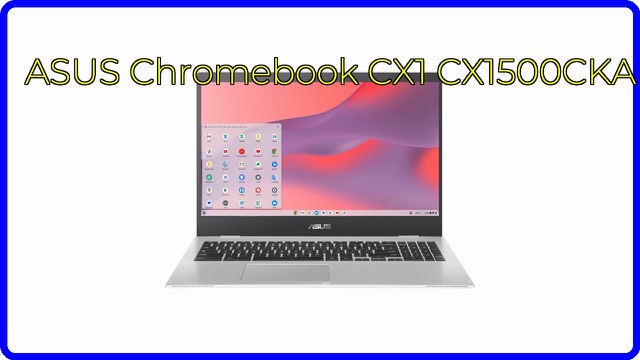
The ASUS Chromebook CX1 CX1500CKA has a 15.6-inch Full HD screen, Intel Celeron N4500, 8GB RAM, 64GB eMMC and ChromeOS. What the specs mean.
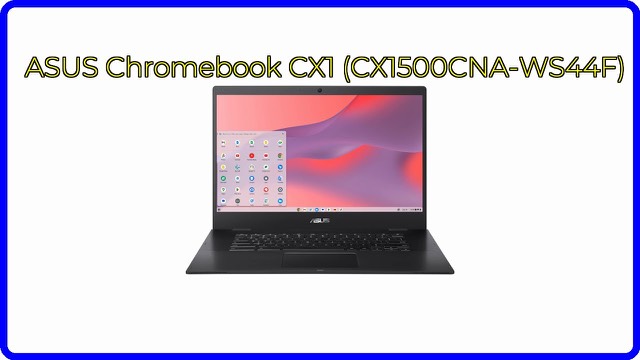
The ASUS Chromebook CX1 (CX1500CNA-WS44F) pairs a 15.6-inch Full HD screen with an Intel Celeron N3350, 4GB RAM and 64GB eMMC. What the specs mean.
A refurbished 15.6-inch Full HD Chromebook with an Intel Celeron N3350, 4GB of RAM, 64GB eMMC storage and up to 11 hours of battery life. What the specs mean.
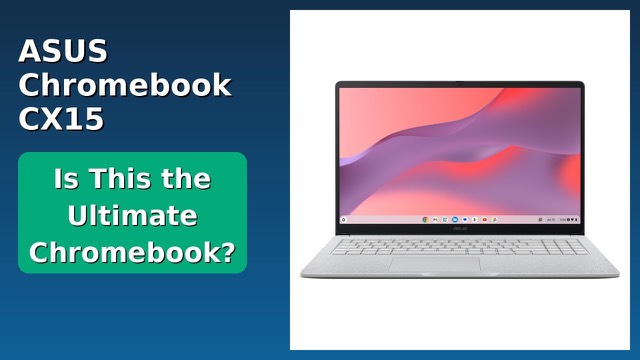
A 15.6-inch Full HD ChromeOS laptop with an Intel Celeron N4500, 8GB of memory, 128GB of storage and a numeric keypad. What the specs mean in daily use.
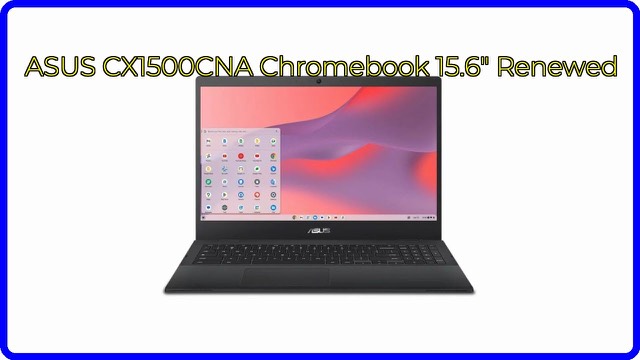
A renewed 15.6-inch ASUS Chromebook with a Full HD screen, Intel Celeron N3350, 4GB RAM and 64GB storage. What the specs mean and what to check.
A certified refurbished 15.6-inch Chromebook with a Full HD display, Intel Celeron N3350, 4GB of RAM and 64GB of eMMC. What the specs and the refurbished status mean.
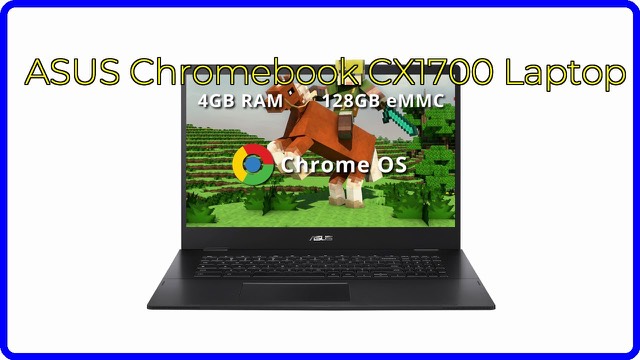
A large-screen ASUS Chromebook with a 17.3-inch Full HD display, Intel Celeron N4500, 4GB RAM, 128GB eMMC storage, Wi-Fi 6 and two USB-C ports.
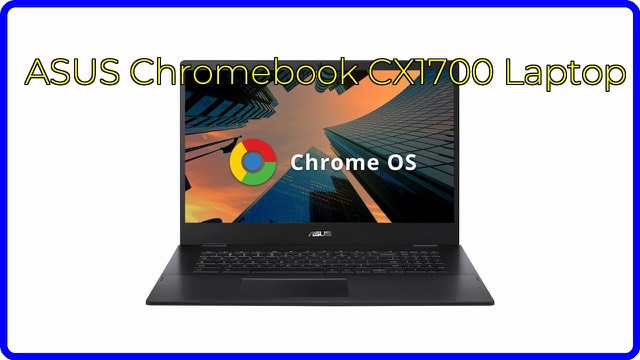
The ASUS Chromebook CX1700 has a 17.3-inch Full HD screen, Celeron N4500, 4GB RAM and 128GB eMMC. What those specs mean for everyday use.
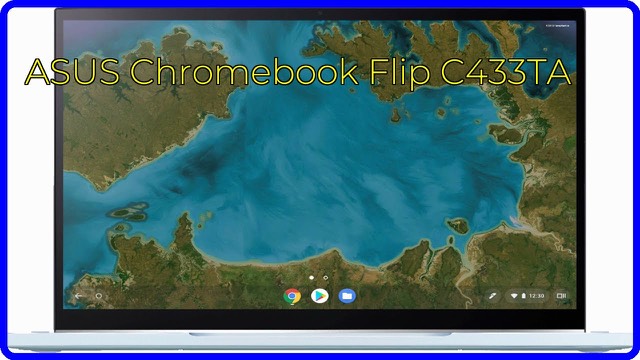
A 14-inch Full HD touchscreen convertible Chromebook with an Intel Core m3-8100Y, 4GB of memory and 64GB eMMC storage. What the specs mean day to day.
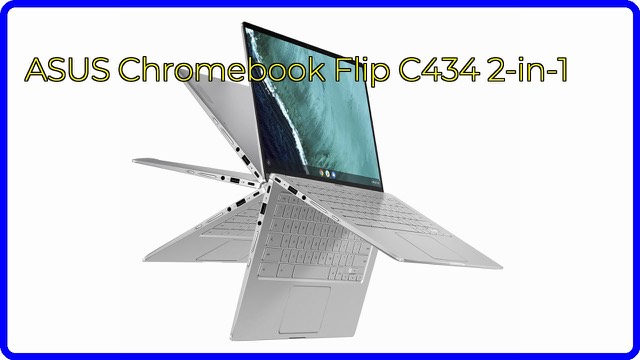
A 14-inch Full HD touchscreen Chromebook in an all-aluminium body, with a Core m3-8100Y, 4GB RAM, 32GB eMMC and a 360-degree hinge. What the specs mean.
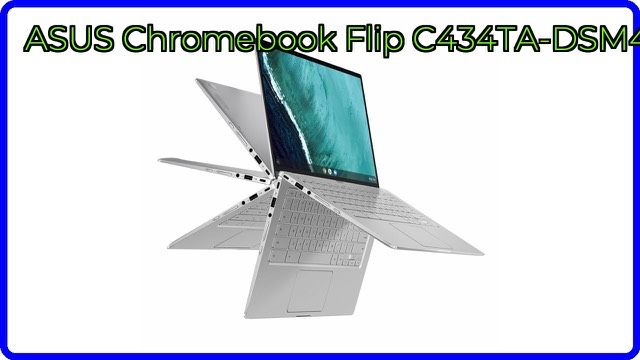
The ASUS Chromebook Flip C434TA is a 14-inch touchscreen 2-in-1 with a Core m3 chip, 4GB RAM and 64GB eMMC. What the specs mean and who it suits.
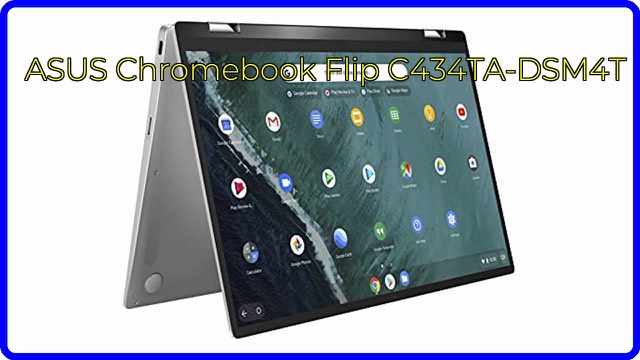
A 14-inch ASUS Chromebook Flip with a 360-degree hinge, touchscreen, Core m3 processor, 4GB RAM, 64GB storage and an all-metal body. What the specs mean.
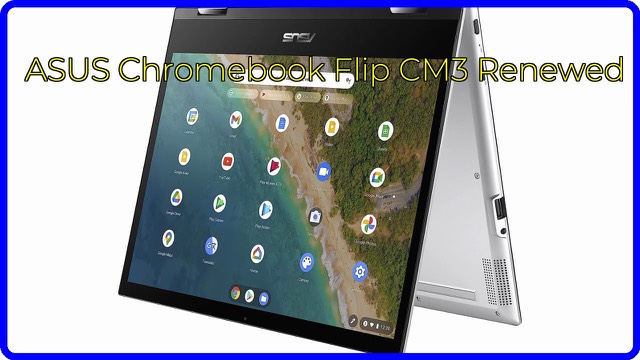
A 12-inch 360° touchscreen Chromebook with a MediaTek Kompanio 820, 4GB RAM and 64GB eMMC, running Chrome OS. What the specs mean and who it suits.
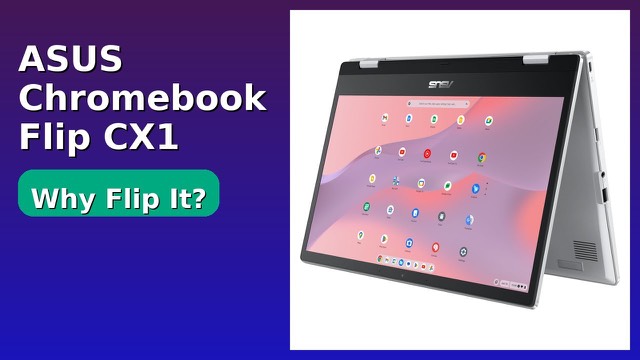
The ASUS Chromebook Flip CX1 is a 14-inch 360-degree touchscreen Chromebook with an Intel Celeron N4500, 8GB RAM and 128GB eMMC. What the specs mean and who it suits.
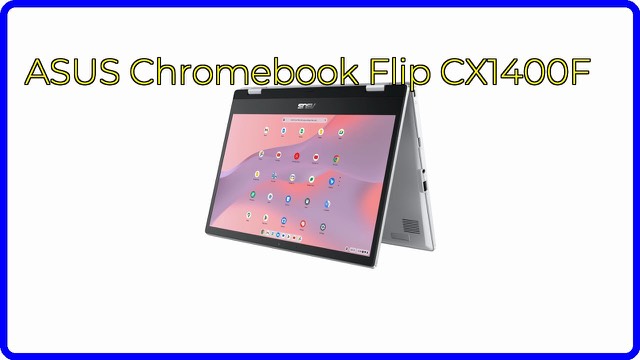
The ASUS Chromebook Flip CX1 (CX1400FKA) is a 14-inch FHD touchscreen 2-in-1 with a Celeron N6000, 8GB RAM and a 360-degree hinge. What its specs mean.

A 14-inch ASUS Chromebook Plus with a Core i5-1335U, 8GB RAM, 128GB SSD, a touchscreen, Wi-Fi 6E and Thunderbolt 4 ports. What the specs mean.
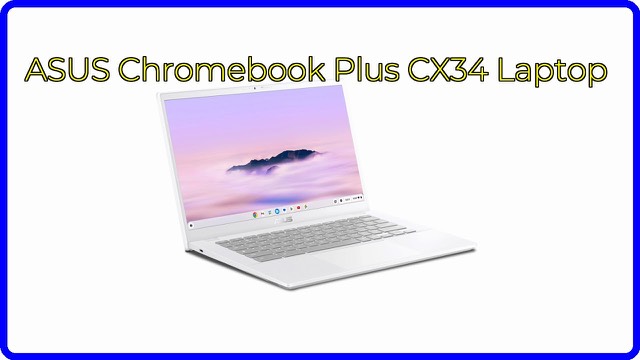
A 14-inch Full HD ChromeOS laptop with a Core i3-1215U, 8GB RAM and 256GB UFS storage. What the specs mean and what the Chromebook Plus features add.
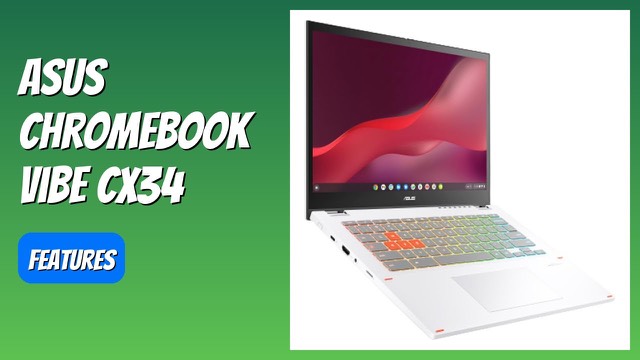
The ASUS Chromebook Vibe CX34 Flip has a 14-inch 144Hz touch display, Core i5-1235U, 8GB RAM, 256GB SSD, a stylus and ChromeOS. What the specs mean.
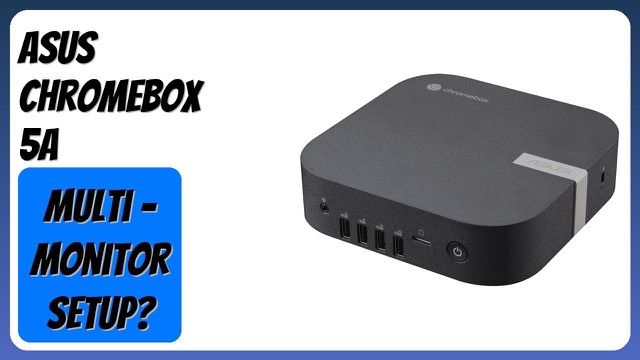
The ASUS Chromebox 5a is a compact Chrome OS desktop with an Intel Celeron 7305, 8GB RAM, a 128GB NVMe SSD, Wi-Fi 6E and support for up to four 4K displays.
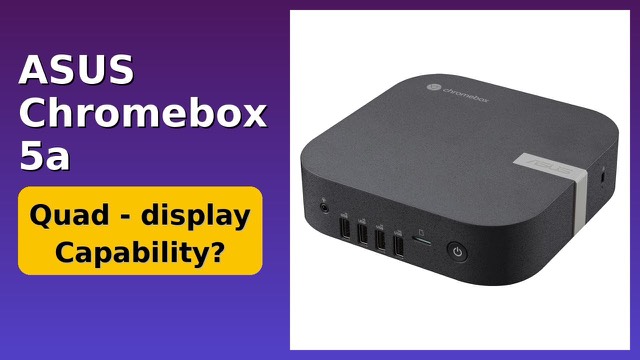
A small Chrome OS desktop with an Intel Celeron 7305, 4GB RAM, 128GB NVMe SSD, Wi-Fi 6E, 2.5 Gbps Ethernet and support for up to four 4K displays.
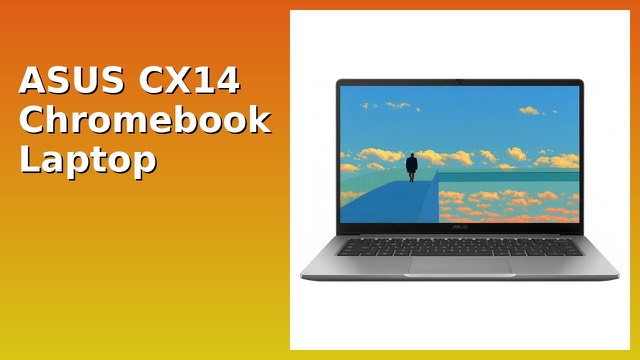
The ASUS CX14 Chromebook has a 14-inch Full HD screen, an Intel Celeron N4500, 4GB RAM and 64GB eMMC running Chrome OS. What the specs mean.
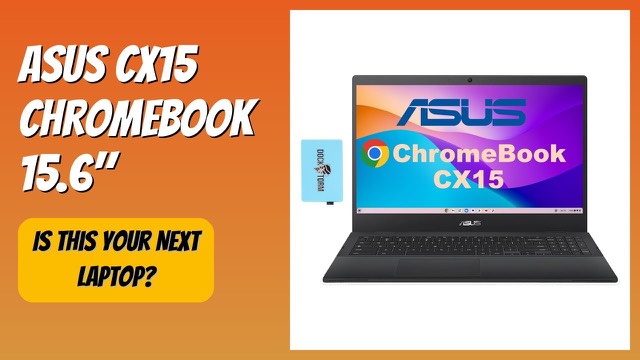
A refurbished 15.6-inch Full HD Chromebook with an Intel Celeron N4500, 8GB RAM, 64GB eMMC storage and Wi-Fi 6. What the specs mean for everyday use.
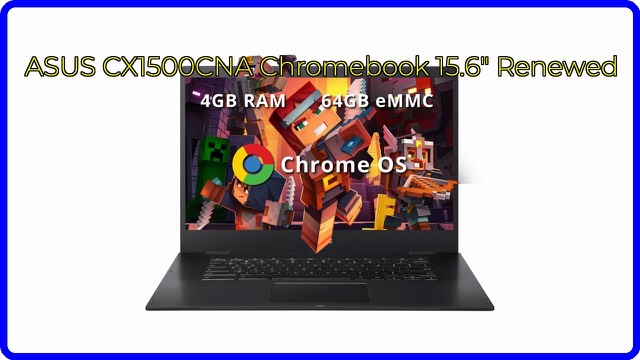
The ASUS CX1500CNA is a 15.6-inch Chromebook with an Intel Celeron N3350, 4GB RAM and 64GB eMMC storage, sold renewed. What the specs mean and who it suits.
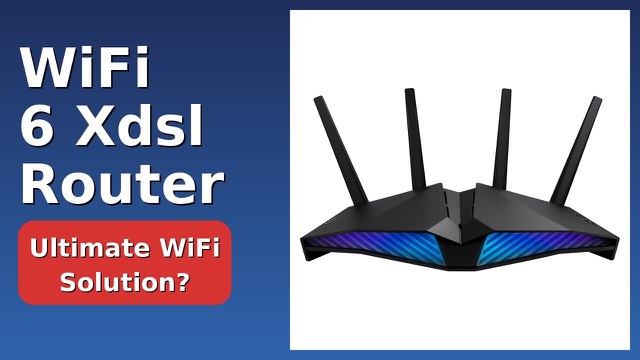
The ASUS DSL-AX82U combines a VDSL modem with a Wi-Fi 6 AX5400 router, AiMesh support, WPA3 and USB 3.2. What the specs mean and who it suits.
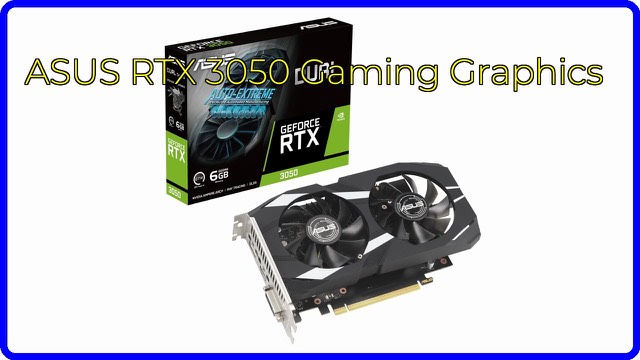
A 2-slot PCIe 4.0 graphics card with 6GB of GDDR6, HDMI 2.1, DisplayPort 1.4a and IP5X dust resistance. What the specs mean and what to check.
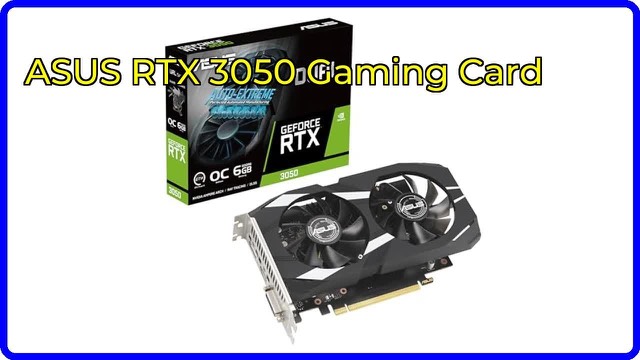
A compact 2-slot ASUS Dual RTX 3050 OC Edition graphics card with 6GB GDDR6, PCIe 4.0, HDMI 2.1, DisplayPort 1.4a and 0dB fan technology. What the specs mean.
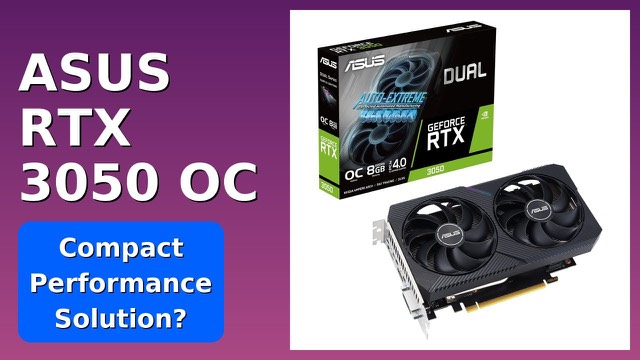
A compact two-slot, 20 cm graphics card with 8GB GDDR6, PCIe 4.0, HDMI 2.1 and dual Axial-tech fans. What the Ampere architecture and OC clocks mean.
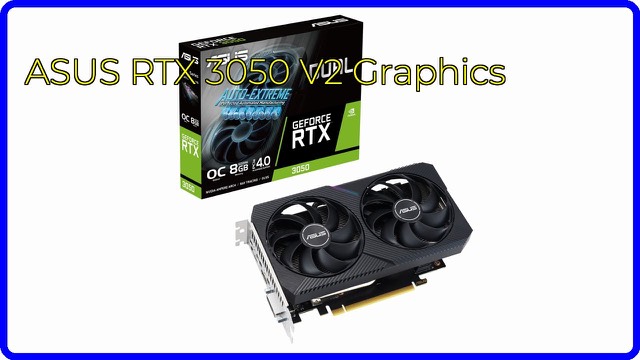
A compact two-slot graphics card with 8GB GDDR6, Ampere architecture, PCIe 4.0, HDMI 2.1 and 0dB fan technology. What the specs mean and what to check first.
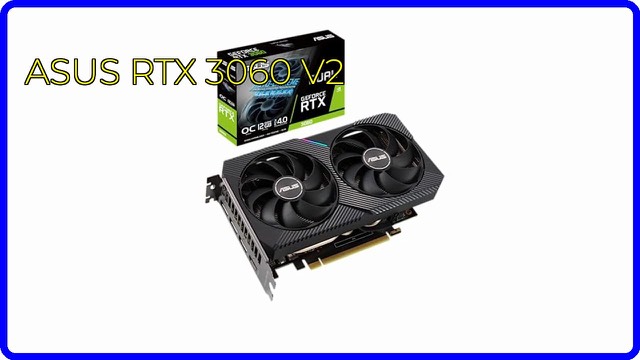
A 2-slot GeForce RTX 3060 graphics card with 12GB GDDR6, PCIe 4.0, Axial-tech fans and 0dB mode. What the specs mean and what to check for your PC.
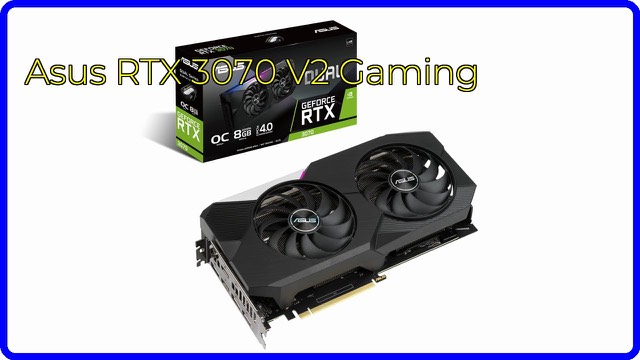
A dual-fan NVIDIA GeForce RTX 3070 graphics card with 8GB GDDR6, PCIe 4.0, HDMI 2.1, DisplayPort 1.4a and an LHR design. What the specs mean.
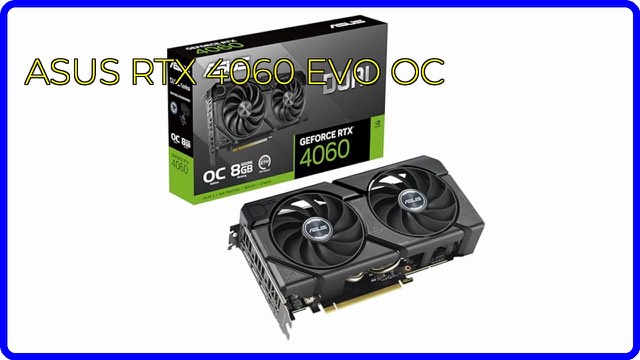
A dual-fan RTX 4060 graphics card with 8GB GDDR6, DLSS 3, a 2535 MHz OC boost clock, 0dB fan mode and dual BIOS. What the specs mean for a PC build.
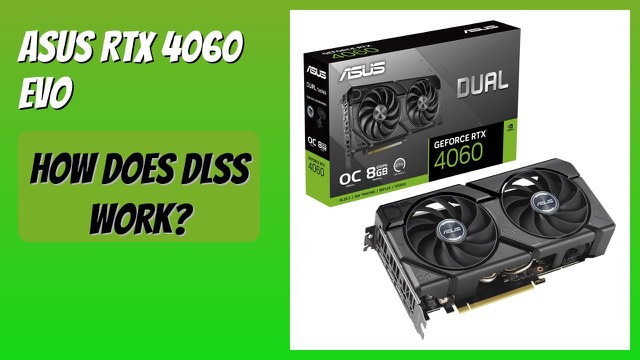
A compact 2.5-slot graphics card with 8GB GDDR6, DLSS 3, ray tracing and dual Axial-tech fans. What the specs mean and what to check for your PC.
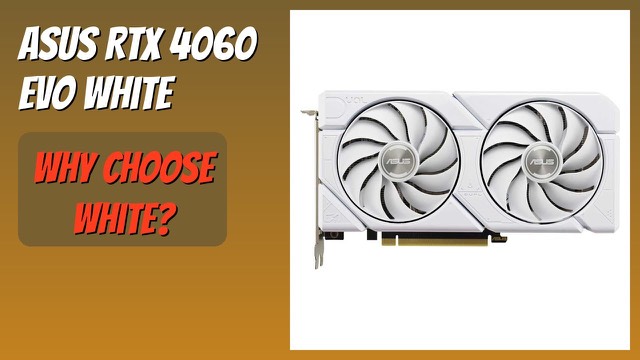
A white, dual-fan GeForce RTX 4060 graphics card with 8GB GDDR6, DLSS 3 and a boost clock up to 2535MHz in OC mode. What the specs mean and what to check.
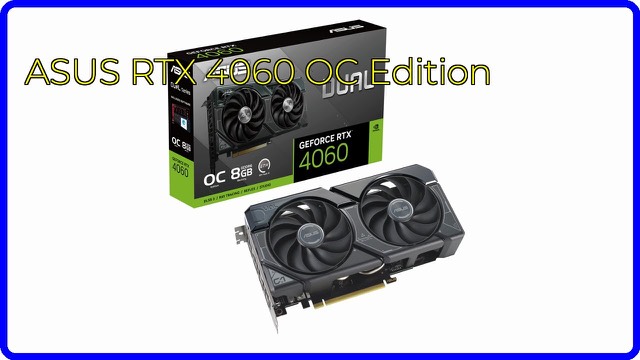
A compact 2.5-slot GeForce RTX 4060 graphics card with 8GB of GDDR6, DLSS 3 and two Axial-tech fans. What the specs mean and what to check for your PC.
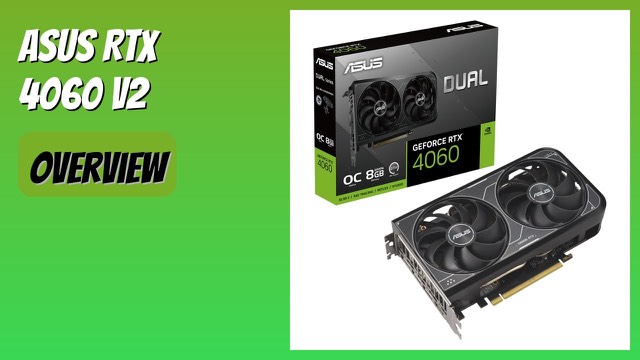
A 2-slot, 8GB GDDR6 graphics card with DLSS 3, ray tracing, PCIe 4.0 and Axial-tech fans. What the specs mean and what to check before fitting it.
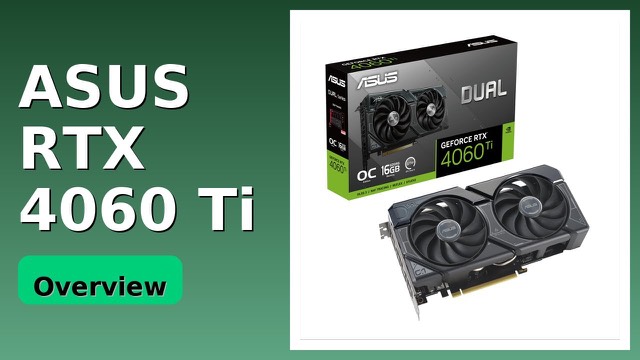
A 2.5-slot NVIDIA RTX 4060 Ti graphics card with 16GB GDDR6, DLSS 3, dual ball-bearing fans and a Dual BIOS switch. What the specs mean and what to check.
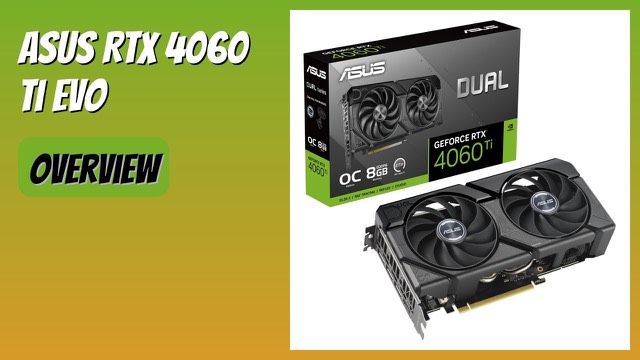
A dual-fan GeForce RTX 4060 Ti OC card with 8GB GDDR6, DLSS 3, PCIe 4.0 and 0dB technology. What the boost clocks, cooling and ports mean in practice.
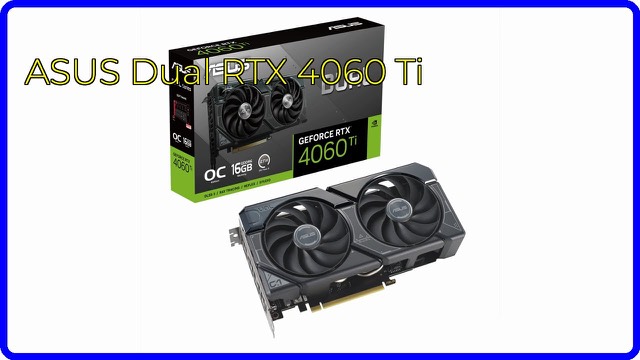
A dual-fan, 2.5-slot GeForce RTX 4060 Ti OC graphics card with 16GB GDDR6, DLSS 3 and ray tracing. What the specs mean and what to check before fitting it.
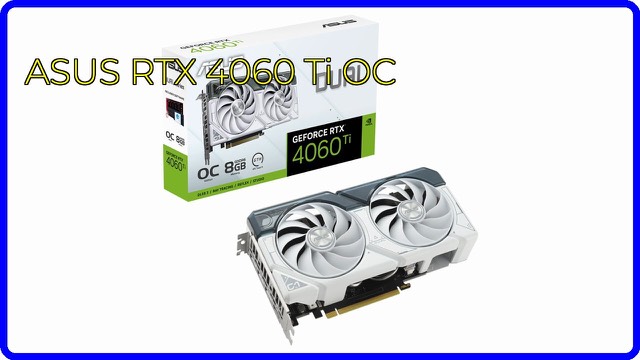
An ASUS Dual GeForce RTX 4060 Ti OC Edition graphics card in white with 8GB GDDR6X, PCIe 4.0, DLSS 3 and 0dB fans. What the specs mean for a gaming PC.
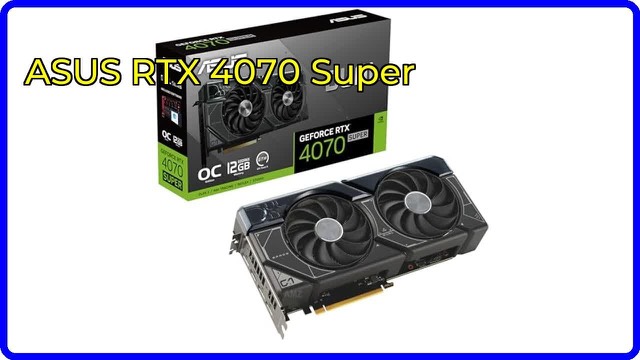
A dual-fan GeForce RTX 4070 Super OC graphics card with 12GB GDDR6X, DLSS 3, a 2.56-slot design and 0dB fan stop. What the specs mean and what to check.
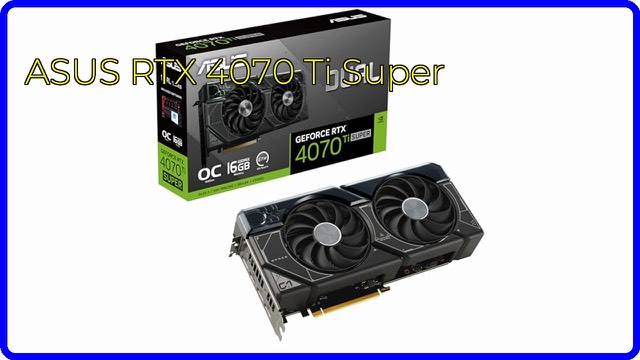
A 2.56-slot GeForce RTX 4070 Ti Super with 16GB GDDR6X, a 2,655MHz OC boost clock, DLSS 3, HDMI 2.1a and DisplayPort 1.4a. What the specs mean.
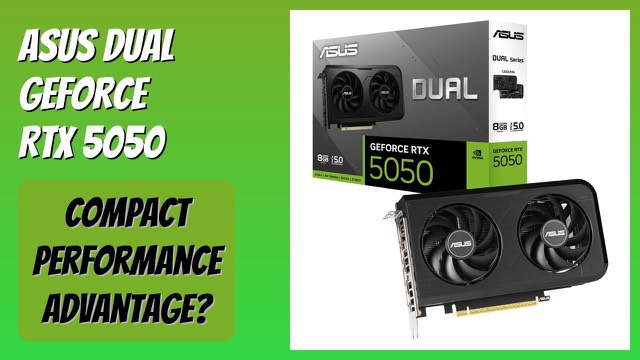
A compact two-slot graphics card with NVIDIA Blackwell, 8GB GDDR6, PCIe 5.0, DLSS 4, dual BIOS and 0dB fans. What the specs mean and what to check first.
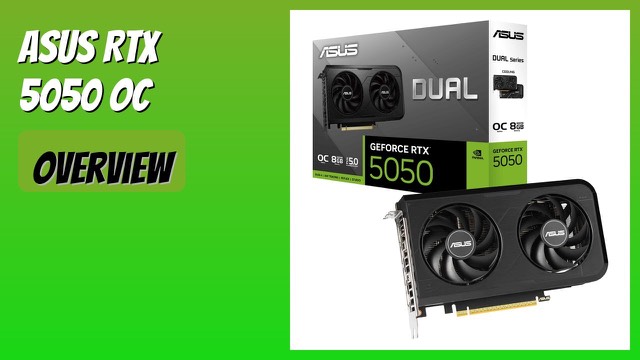
A compact 2-slot GeForce RTX 5050 OC Edition with 8GB GDDR6, PCIe 5.0, DLSS 4, 0dB fan mode and Dual BIOS. What the specs mean for a small PC build.
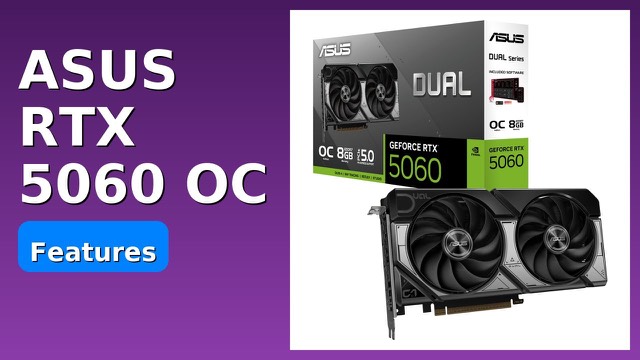
A compact 2.5-slot graphics card with 8GB GDDR7, PCIe 5.0, DLSS 4 and dual Axial-tech fans. What the specs mean and what to check for your PC.
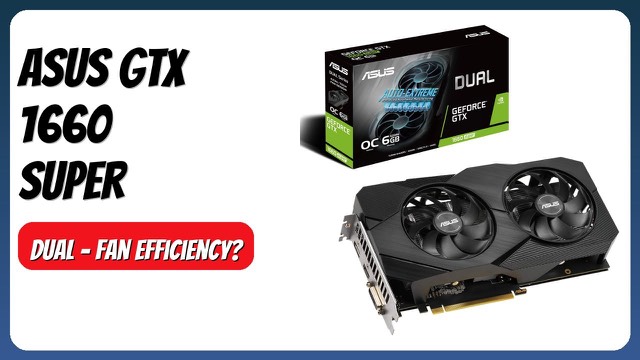
A dual-fan, factory-overclocked GeForce GTX 1660 Super graphics card with 6GB of GDDR6 and three display outputs. What the specs mean and what to check.
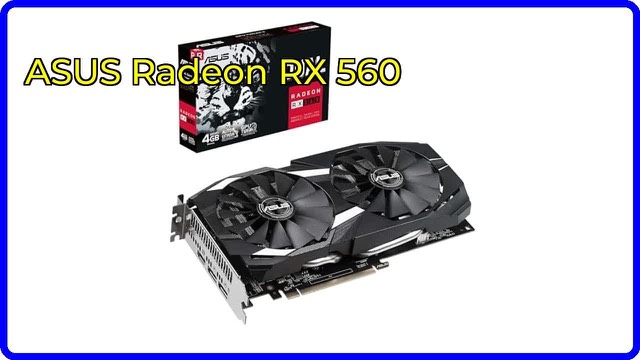
The ASUS Dual-RX560-4G is a PCIe 3.0 graphics card with 4GB GDDR5, HDMI 2.0, DisplayPort 1.4 and a dual-fan cooler with 0dB mode. What the features mean.
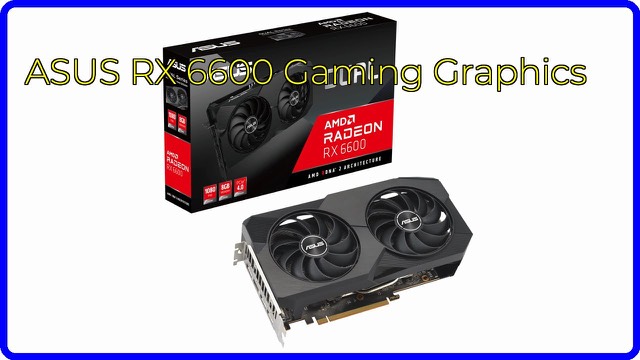
A compact dual-fan AMD RDNA 2 graphics card with 8GB GDDR6, PCIe 4.0, HDMI 2.1 and 0dB technology, aimed at 1080p gaming. What the specs mean.