OLED vs QLED vs Mini-LED: TV panel types explained
How OLED, QLED and Mini-LED TVs create an image, and what that means for brightness, contrast, viewing angles and the real risk of burn-in.
TV shops group their screens under a handful of labels, OLED, QLED, Mini-LED and plain LED, and each one promises the best picture. They are genuinely different technologies with different strengths, and the right one depends far more on your room and viewing habits than on the badge. This guide explains how each panel type works, where each shines, and how seriously to take burn-in.
Two ways to make a picture
Every modern TV falls into one of two families.
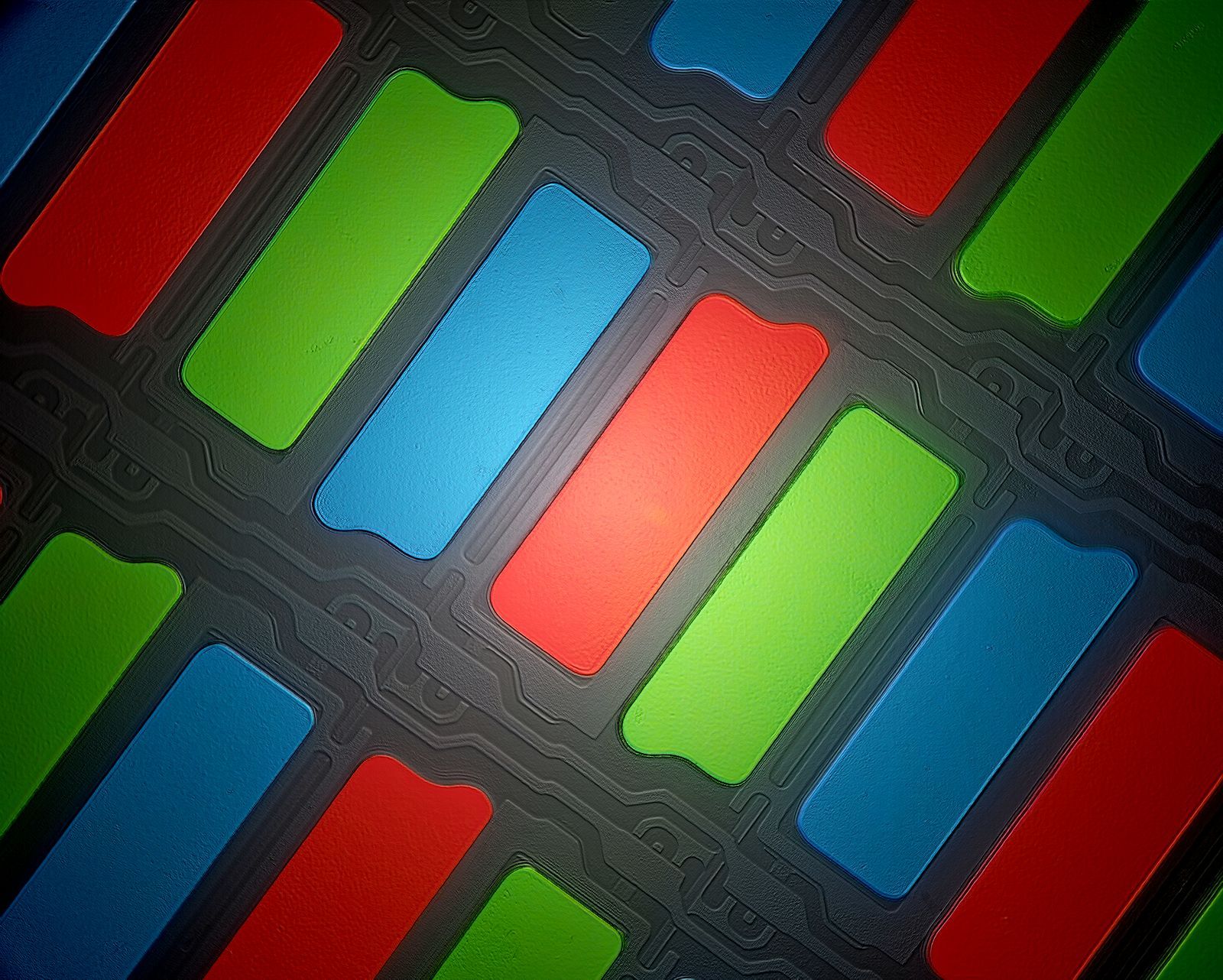
- LCD TVs with a backlight. A layer of liquid crystals acts as millions of tiny shutters that control how much light passes through coloured filters. The light itself comes from LEDs behind or beside the panel. "LED TV", "QLED" and "Mini-LED" are all versions of this design; the names describe the backlight and colour layers, not a different kind of screen.
- Self-emissive TVs. In an OLED (organic light-emitting diode) panel, each pixel produces its own light and can switch off completely. There is no backlight at all.
That single difference explains most of what follows. An LCD always has light behind it that it must block, while an OLED can simply turn a pixel off.
LED and QLED: the LCD family
A basic LED TV uses a row of LEDs along the edge of the screen (edge-lit) or a grid of LEDs behind it (direct-lit). Edge-lit sets are thin and inexpensive, but they struggle to show deep black next to bright objects, and dark scenes can look greyish or patchy.
QLED adds a layer of quantum dots, microscopic particles that convert the backlight into very pure red and green light. The result is a wider range of saturated colours and good colour at high brightness. QLED does not change how the backlight is controlled, so a QLED TV's contrast still depends on its dimming system.
The most important feature to look for in any LCD TV is full-array local dimming (FALD): the backlight is split into zones that can be dimmed or brightened independently, so the dark parts of a scene get darker while bright highlights stay bright. More zones, and good processing to control them, mean better contrast.
Mini-LED: many more dimming zones
Mini-LED is an LCD with a backlight made of thousands of very small LEDs, typically grouped into hundreds or thousands of dimming zones. Most Mini-LED TVs also use quantum dots.
Advantages:
- Very high brightness, especially in HDR highlights and across the whole screen at once.
- Much better contrast than conventional LCDs, with deep blacks in most scenes.
- No burn-in risk from the panel technology.
The weakness is blooming: a faint halo around bright objects on a dark background, such as subtitles or stars, because each dimming zone still covers many pixels. Good processing keeps it subtle, and it is most noticeable in a dark room.
OLED: perfect blacks, pixel by pixel
Because each OLED pixel lights itself, a black pixel is truly off. That gives OLED effectively infinite contrast, no blooming, and precise highlights even on a starfield or a single white line of text. Pixels also change state almost instantly, which keeps motion clear.
There are two main OLED designs in TVs. WOLED panels use white-emitting OLED material with colour filters, often adding a white sub-pixel to boost brightness. QD-OLED panels use blue OLED material with a quantum-dot layer to create red and green, which helps colour saturation at high brightness. Both deliver the core OLED strengths.
OLED's traditional limitation is brightness. Recent panels are far brighter than early ones, but most OLED TVs still cannot match a bright Mini-LED over large areas. They use an automatic brightness limiter (ABL) that dims the picture when a big portion of the screen is bright, such as a snowy landscape or a white web page.
| Edge-lit LED | QLED with local dimming | Mini-LED | OLED | |
|---|---|---|---|---|
| Black level | Fair | Good | Very good | Perfect |
| Full-screen brightness | Moderate | Good | Excellent | Moderate |
| Blooming or halos | Uneven dark scenes | Some | Slight | None |
| Viewing angles | Depends on panel | Depends on panel | Depends on panel | Very wide |
| Burn-in risk | None | None | None | Low, not zero |
Brightness and your room
Brightness is measured in nits (candela per square metre). Specifications often quote a peak figure for a small highlight window, which is useful for HDR but says little about how bright the whole picture gets.
- Bright rooms with sunlight or lights on during viewing favour a bright LCD, ideally Mini-LED, and a screen with a good anti-reflective coating.
- Dim or dark rooms, where most viewing happens in the evening, are where OLED's contrast is most striking.
- Mixed use suits either, and reflection handling can matter as much as panel type. Glossy screens show reflections more clearly; some coatings reduce glare at the cost of slightly lifting blacks in a lit room.
For HDR, check which formats the TV supports: HDR10 is universal, while Dolby Vision and HDR10+ add scene-by-scene information and appear on many streaming services. HLG is used for some broadcast HDR. Our guide to streaming devices and HDR formats explains them in more detail.
Burn-in: the facts
Burn-in is permanent image retention: a faint ghost of a static element, such as a channel logo, news ticker or game health bar, that remains visible on other content. It happens because OLED pixels age with use, and pixels that display the same bright image for many hundreds of hours age faster than their neighbours.
What reduces the risk:
- Built-in protection. OLED TVs shift the image by a few pixels, dim static logos, and run compensation cycles in standby to even out wear. Let these run by leaving the TV on standby rather than switching it off at the wall straight after viewing.
- Varied viewing. Films, series and a mix of channels spread wear evenly. The highest risk comes from the same static content for hours every day at high brightness, such as a single news channel or one game with a fixed interface.
- Sensible brightness. Maximum brightness settings speed up wear.
Temporary image retention, which fades after a few minutes, is not burn-in and is usually harmless. For most households, burn-in is unlikely within the typical life of a TV, but it is not impossible. If your viewing is heavy on static content, check whether the warranty covers burn-in, or choose an LCD.
Viewing angles
LCD TVs use one of two main panel types:
- VA panels have much higher native contrast, so blacks look deeper, but colour and contrast fade when you sit well off to the side.
- IPS-type panels hold colour better at wide angles but have lower native contrast, so blacks look greyer in a dark room.
Some VA TVs add a wide-angle layer to reduce the fade. OLED keeps its picture consistent from almost any seat, which is a real advantage for wide sofas or rooms where people watch from different angles. Manufacturers do not always say which LCD panel type a model uses, and it can vary between screen sizes of the same model.
Other things worth checking
- Size and distance. For 4K content, many people sit roughly 1 to 1.5 times the screen diagonal away. Bigger is usually the change people notice most.
- Gaming. High refresh rates, variable refresh rate and low input lag are covered in our guide to TVs for gaming.
- Sound. Thin TVs rarely sound good; our soundbar channels guide explains the upgrade.
- Very large images. Beyond about 85 inches, a home projector becomes an alternative worth considering.
- Marketing names. Brands use their own names for backlights and processors. Read what the technology actually is: local dimming, zone count and panel type.
The short version
- Watch mostly in the evening or in a dark room, and want the best contrast: OLED.
- Bright living room, lots of daytime viewing, or worried about burn-in: Mini-LED, or at least an LCD with full-array local dimming.
- Wide seating: OLED, or an LCD with wide-angle technology.
- Heavy static content for hours a day: prefer an LCD, or check the OLED warranty for burn-in cover.
- Treat "QLED" as a colour upgrade, and check the dimming system to judge contrast.
Bloiq is reader-supported. Some links may earn us a commission; it never affects what we write. How we make money.