Soundbar channels explained: 2.1, 3.1, 5.1.2 and Dolby Atmos
What the numbers on a soundbar box mean, how Dolby Atmos and DTS:X work, and why HDMI eARC, a centre channel and the subwoofer matter most.
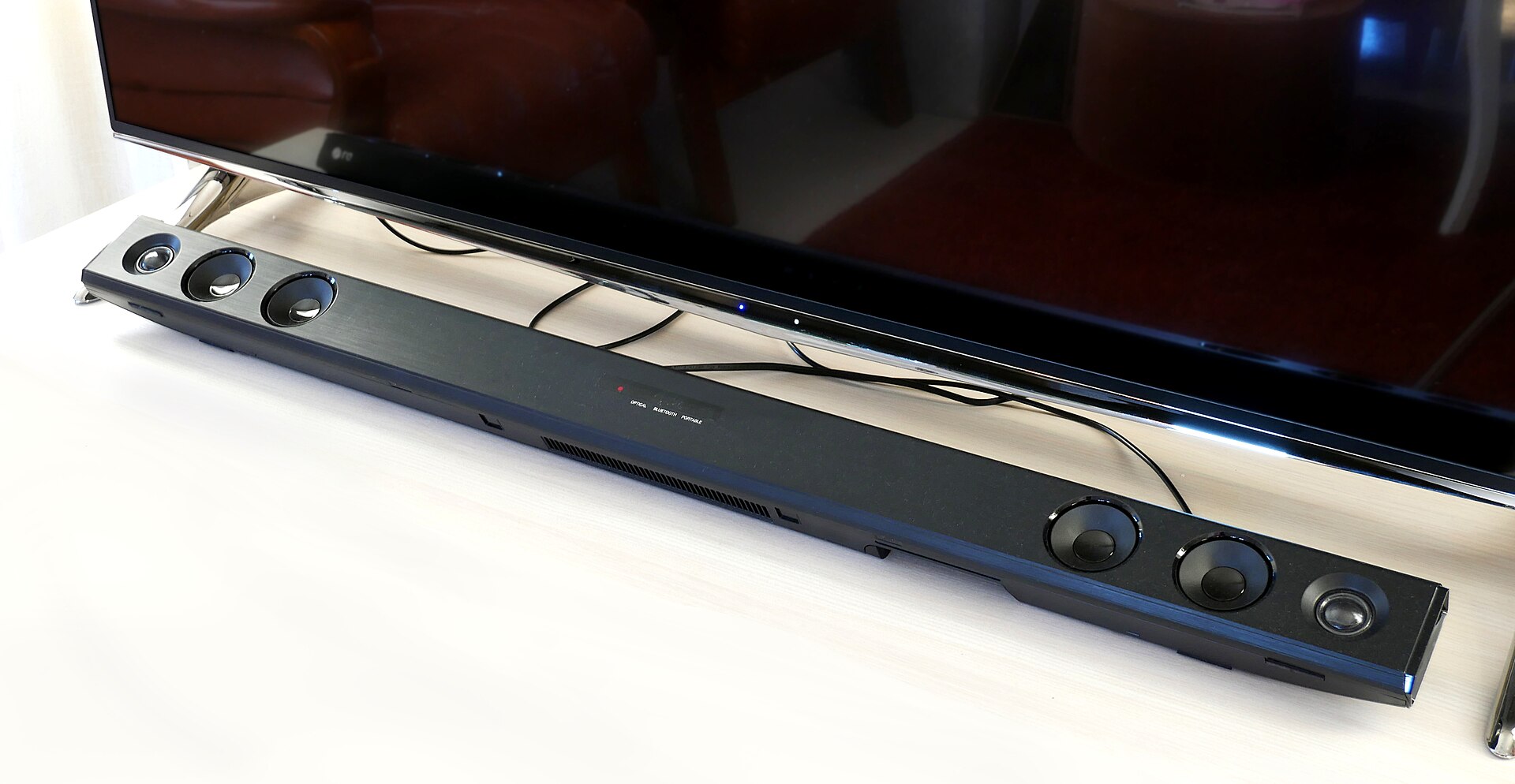
Flat TVs have little room for speakers, so most sound thin and make dialogue hard to follow. A soundbar is the simplest fix, but the boxes are covered in numbers like 3.1, 5.1.2 and 9.1.4, plus logos for Dolby Atmos, DTS:X and eARC. This guide explains what those labels mean, which ones actually change what you hear, and how to connect a soundbar so you get the formats you are paying for.
Reading the channel numbers
Channel counts follow a simple pattern: main channels . subwoofer channels . height channels.
- The first number counts ear-level channels: left, right, centre and surrounds.
- The second number counts subwoofer (low-frequency) channels; 1 means there is a subwoofer, 0 means there isn't.
- The third number, when present, counts height channels that add sound from above.
| Label | What you get | Typical use |
|---|---|---|
| 2.0 | Left and right | A clear upgrade on TV speakers for small rooms |
| 2.1 | Left, right and a subwoofer | Fuller sound for films and music |
| 3.1 | Adds a dedicated centre channel | Clearer dialogue, the most useful single upgrade |
| 5.1 | Adds left and right surrounds | Sound from the sides or behind you |
| 5.1.2 | 5.1 plus two height channels | Entry point for convincing Dolby Atmos |
| 7.1.4 and up | More surround and height channels | Large rooms and systems with rear speakers |
A "channel" does not always mean a separate speaker. Some bars use several drivers per channel; others create surround or height channels by processing sound rather than with dedicated drivers. When comparing, check how many channels are physical and where their drivers point.
Why the centre channel matters
In films and TV, almost all dialogue is mixed into the centre channel. A 2.1 bar has to blend that dialogue into its left and right speakers, while a 3.1 bar gives it a dedicated driver in the middle. If your main complaint is not hearing what people say, a bar with a real centre channel and a dialogue-enhancement mode will usually help more than extra surround or height channels.
Dolby Atmos and DTS:X
Traditional surround formats assign sounds to fixed channels. Dolby Atmos and DTS:X are object-based: the mix describes where each sound should be in three-dimensional space, and the soundbar maps it to whatever speakers it has. That is how a helicopter can seem to pass overhead.
Where you find them:
- Dolby Atmos is widely available on streaming services, usually delivered inside Dolby Digital Plus, and on Blu-ray discs as Dolby TrueHD, a lossless format. Many games and consoles also support it.
- DTS:X appears mainly on Blu-ray and 4K Blu-ray discs and is much less common on streaming.
A soundbar that "supports" Atmos can decode it, but the effect depends on how it reproduces height. That leads to the most important distinction.
Up-firing drivers vs virtual height
Up-firing drivers are angled upward so their sound bounces off the ceiling and reaches you from above. They are what the third channel number usually refers to, as in 5.1.2.
- They work best with a flat, hard ceiling of ordinary room height.
- Vaulted, sloped, very high or sound-absorbing ceilings weaken the effect.
- Placing the bar in a cabinet or under a shelf blocks them completely.
Virtual height uses signal processing to trick your ears into hearing elevation from forward-facing speakers. It can widen the sound, but it is generally less convincing than real up-firing drivers. If height effects matter to you, look for physical up-firing drivers, and ideally a model with room calibration that measures your space.
Rule of thumb: the third number only counts if there are real upward-facing drivers and a ceiling for them to reflect off.
HDMI eARC, ARC and optical
How you connect the soundbar decides which formats it receives.
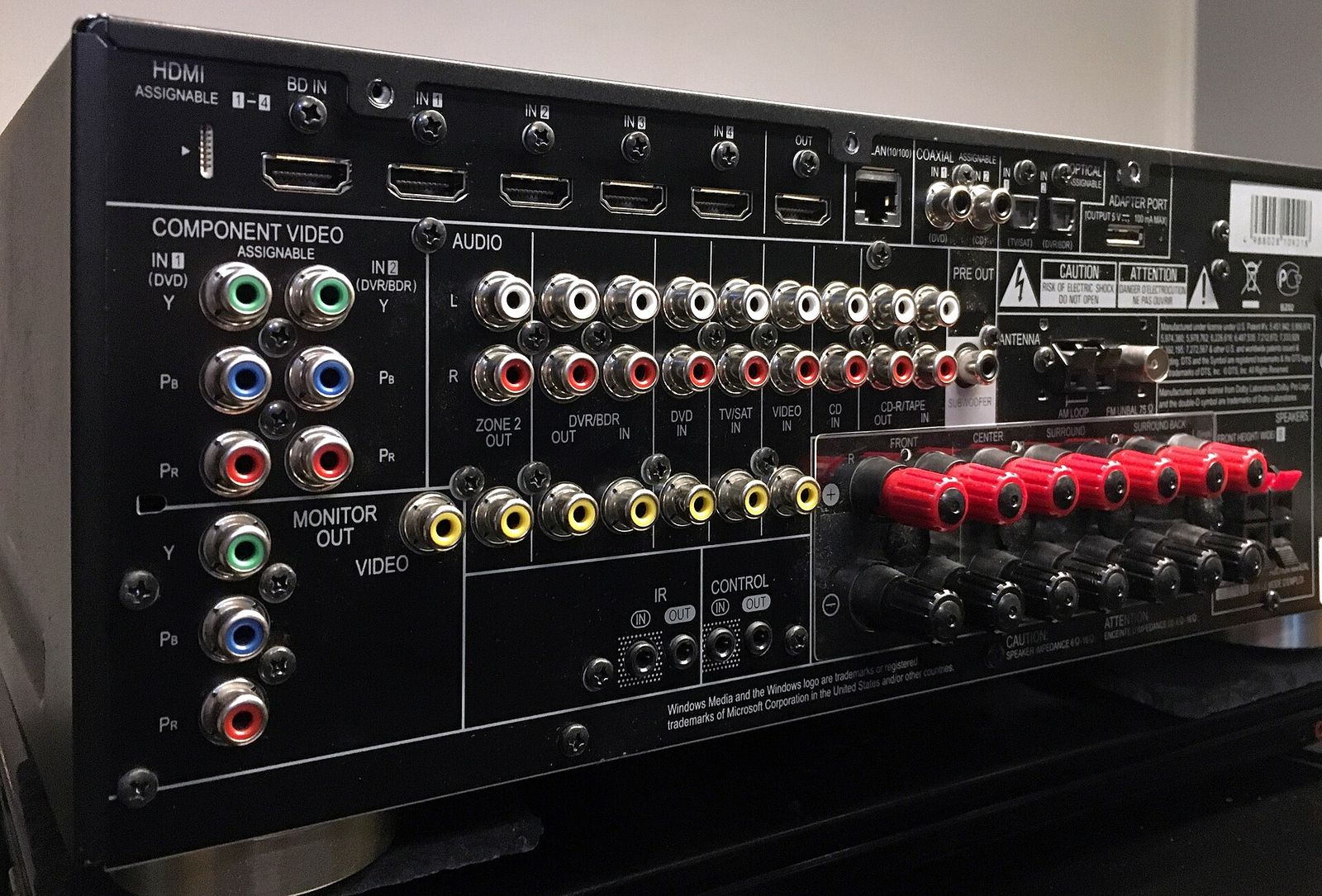
- HDMI eARC (enhanced Audio Return Channel): carries sound from the TV's apps and connected devices to the soundbar with enough bandwidth for lossless formats such as Dolby TrueHD and multichannel PCM, including Atmos. This is the connection to aim for.
- HDMI ARC: the older version. It handles compressed surround formats, and many TVs can pass Dolby Atmos in its streaming form (Dolby Digital Plus) over ARC. It cannot carry lossless formats from disc.
- Optical (TOSLINK): carries stereo or compressed 5.1 at most, and no Dolby Atmos. You also lose automatic volume control through the TV remote, which HDMI provides via HDMI-CEC.
To use eARC, both the TV and the soundbar need it, and you must use the HDMI port on the TV labelled eARC or ARC. A certified high-speed HDMI cable is recommended.
Some soundbars also have HDMI inputs for a streaming box or console. Check whether they pass through the video formats you use, such as 4K with HDR10 or Dolby Vision, and, for gamers, high refresh rates and variable refresh rate. If they don't, connect sources to the TV and let eARC carry the sound back.
Subwoofers and rear speakers
The subwoofer handles deep bass: explosions, music and the low rumble that makes a film feel big.
- Wireless subwoofers connect to the bar without an audio cable but still need a power socket. Placing one near a wall or corner increases bass; adjust the level to taste.
- All-in-one bars without a separate subwoofer rely on built-in bass drivers. They save space but rarely match the low end of a dedicated sub.
- Neighbours and night-time: a night mode or adjustable bass level is useful in flats.
Some soundbars let you add wireless rear speakers later, turning, for example, a 3.1.2 bar into a 5.1.2 system. Rear speakers usually still need power, so check where your sockets are.
What else to check before you buy
- Size. A bar roughly as wide as the TV, or a little narrower, looks right. Check its height so it doesn't block the bottom of the screen or the TV's remote sensor.
- Mounting. If you plan to wall-mount it, check whether a bracket is included.
- Room correction. Automatic calibration using a microphone helps in awkward rooms.
- Dialogue and night modes. Worth having for everyday TV.
- Music streaming. Wi-Fi streaming, multi-room support and Bluetooth vary widely.
- Remote control. HDMI-CEC lets your TV remote control volume, which most people prefer.
The short version
For clearer dialogue, choose at least a 3.1 bar with a subwoofer. For convincing Dolby Atmos, look for 5.1.2 or more with real up-firing drivers and a suitable ceiling. Connect it with HDMI eARC if your TV supports it, use optical only as a fallback, and treat virtual surround and height as a bonus rather than a substitute for real drivers.
Bloiq is reader-supported. Some links may earn us a commission; it never affects what we write. How we make money.
Cover photo: Santeri Viinamäki, CC BY-SA 4.0, via Wikimedia Commons