Streaming devices and formats: 4K, HDR10+, Dolby Vision and Atmos
What 4K, HDR10, HDR10+, Dolby Vision, HLG and Dolby Atmos mean, which ones your TV already supports, and when an external streaming device is worth adding.

Streaming boxes and sticks list a long row of logos: 4K, HDR10, HDR10+, Dolby Vision, HLG, Dolby Atmos. Whether you actually see and hear those formats depends on a chain of things: the device, the TV, the streaming service and your plan, the HDMI connection and, for sound, your speakers. A device that supports everything can't add a format your TV lacks. This guide explains what each label means, how to check what your TV already does, and when an external streamer is worth buying.
Check what your TV already does
Most TVs sold in recent years are smart TVs with streaming apps built in. Before buying anything, find out:
- The TV's resolution and HDR formats. Look up the exact model number, usually on a label on the back or in the settings menu, on the maker's website.
- Whether your apps are available and still updated. Older smart-TV platforms sometimes lose apps or updates.
- How responsive the interface is. Slow menus are one of the most common reasons people add a streaming device.
An external device makes sense when your TV's apps are missing, slow or no longer updated, when you want a single interface across several TVs, or when the device supports a format your TV can display but its own apps don't use. If the built-in apps work well and support your TV's formats, you may not need anything extra.
4K resolution
4K (Ultra HD) is 3840 × 2160 pixels, four times the pixels of 1080p. The benefit depends on screen size and viewing distance: on a large TV viewed from a normal sofa distance, 4K is noticeably sharper; on a small screen far away, much less so.
To watch in 4K, you typically need:
- A 4K TV and a 4K-capable streaming device or app.
- A streaming plan that includes 4K. Many services reserve it for higher tiers, so check your plan.
- A fast, stable connection. Services generally recommend somewhere in the region of 15–25 Mbps for 4K. A wired Ethernet connection or strong Wi-Fi helps; see our mesh Wi-Fi guide if the TV is far from the router.
HDR formats explained
High dynamic range (HDR) video carries a wider range of brightness and colour than standard video. On a capable TV, highlights such as sunlight and reflections look brighter while dark scenes keep detail. HDR often makes a bigger visible difference than the jump from 1080p to 4K.
| Format | Metadata | Notes |
|---|---|---|
| HDR10 | Static: one set of settings for the whole title | The baseline HDR format; supported by virtually every HDR TV |
| HDR10+ | Dynamic: adjusted scene by scene | Royalty-free; supported by some TV brands and services |
| Dolby Vision | Dynamic | Licensed format; widely used by streaming services; supported by many TVs but not all |
| HLG (Hybrid Log-Gamma) | None needed | Designed for broadcast and live TV; works on SDR and HDR sets |
Dynamic metadata tells the TV how to adjust tone mapping scene by scene, which mostly helps TVs that can't reach the brightness the content was mastered for. On a bright, high-end TV, the difference between HDR10 and the dynamic formats is often subtle; on mid-range TVs it can be more noticeable.
Key points:
- Some TVs support Dolby Vision but not HDR10+, and some the reverse. When a title isn't available in a format your TV supports, it usually plays in HDR10 instead.
- "HDR compatible" doesn't guarantee good HDR. A TV with low brightness and no local dimming can accept HDR signals but can't show much of the benefit. Our guide to TV panel types explains why.
- The service decides which formats each title is offered in, and the app on your device decides which it plays.
Dolby Atmos and other audio formats
Dolby Atmos adds height information to surround sound, so sounds can seem to come from above. On streaming services, Atmos is usually delivered inside Dolby Digital Plus, a compressed format. That matters for connections:
- HDMI ARC can usually carry Dolby Digital Plus with Atmos from the TV to a soundbar or receiver.
- HDMI eARC adds the bandwidth for lossless formats such as Dolby TrueHD and multichannel PCM, which mostly matter for discs and some media files.
- Optical cannot carry Atmos.
To hear Atmos, you need a soundbar, receiver or TV speakers that decode it, and the right audio output settings on the streaming device. Our guide to soundbar channels and Dolby Atmos explains the speaker side.
HDMI and connection details
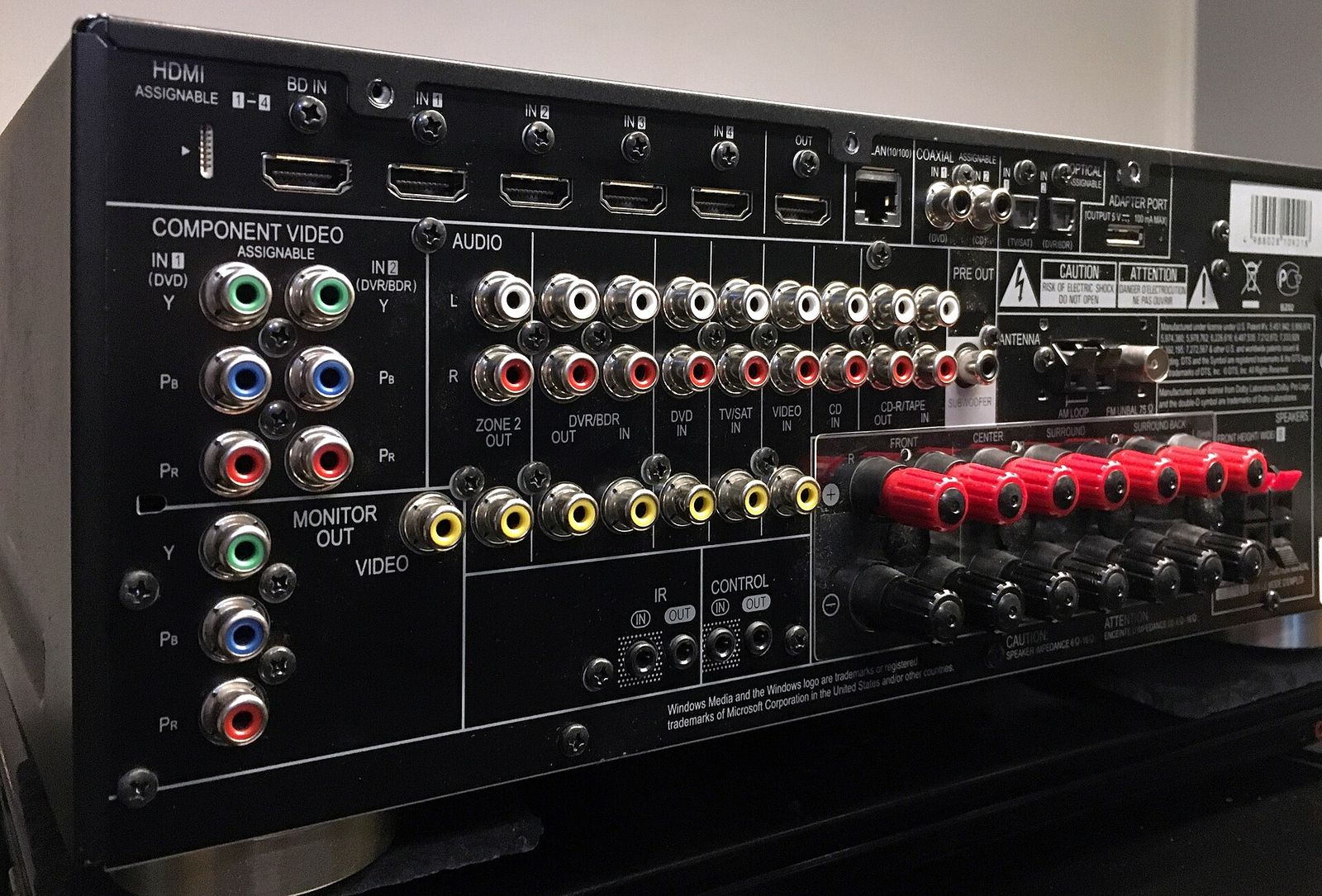
- Use an HDMI port that supports 4K HDR. On some TVs, only certain ports support the full bandwidth or HDCP 2.2/2.3 copy protection that 4K streaming requires; the manual will say which.
- Enable enhanced HDMI mode. Many TVs ship with full-bandwidth HDMI switched off, which can block HDR. Look for a setting such as "HDMI enhanced format" or "HDMI UHD colour" for that port.
- HDMI 2.0 is enough for 4K streaming at 60 frames per second. HDMI 2.1 features such as 120 Hz matter for games consoles and PCs, not for films and shows; see our guide to TVs for gaming.
- HDMI-CEC lets one remote control the TV, streamer and soundbar, and switches inputs automatically.
- Use a certified high-speed cable for 4K HDR, and plug the streamer into the TV rather than a passive splitter.
Settings that improve picture quality
- Match frame rate: films are usually 24 frames per second. Letting the device switch the TV's refresh rate to match avoids judder on slow camera pans.
- Match dynamic range: output HDR only when the content is HDR, rather than converting everything to HDR, which can make standard content look wrong.
- Picture mode: modes labelled cinema, filmmaker or similar are usually closer to what the content creators intended than the default vivid mode.
Choosing a streaming device
- Format support that matches your TV: 4K, HDR10, and whichever of Dolby Vision or HDR10+ your TV supports.
- Apps for the services you use, and a platform that receives regular updates.
- Stick or box: sticks hide behind the TV; boxes often add an Ethernet port, more storage and faster processors.
- Wi-Fi standard: Wi-Fi 6 or newer helps in busy homes.
- Remote: TV power and volume controls, voice search, and a remote finder if you lose things in sofa cushions.
- Privacy and adverts: many home screens promote content and collect viewing data; check the privacy settings.
The short version
- Check your TV's model number to learn which formats it supports; an external device can't add formats the TV can't show.
- For 4K, you need a 4K TV, a 4K-capable device or app, a plan that includes 4K and roughly 15–25 Mbps.
- HDR10 is universal; Dolby Vision and HDR10+ add scene-by-scene adjustment, and TVs may support one, both or neither.
- Dolby Atmos from streaming usually works over ARC; eARC is needed for lossless formats.
- Use the right HDMI port, enable enhanced HDMI, and turn on frame-rate and dynamic-range matching.
Bloiq is reader-supported. Some links may earn us a commission; it never affects what we write. How we make money.
Cover photo: Noah Wulf, CC BY-SA 4.0, via Wikimedia Commons