SD and microSD cards explained: UHS, V30–V90, A1/A2 and which to buy
What the symbols on SD and microSD cards mean, from SDXC and UHS-II to V30, V90 and A2, and which card suits cameras, drones, phones and handheld consoles.
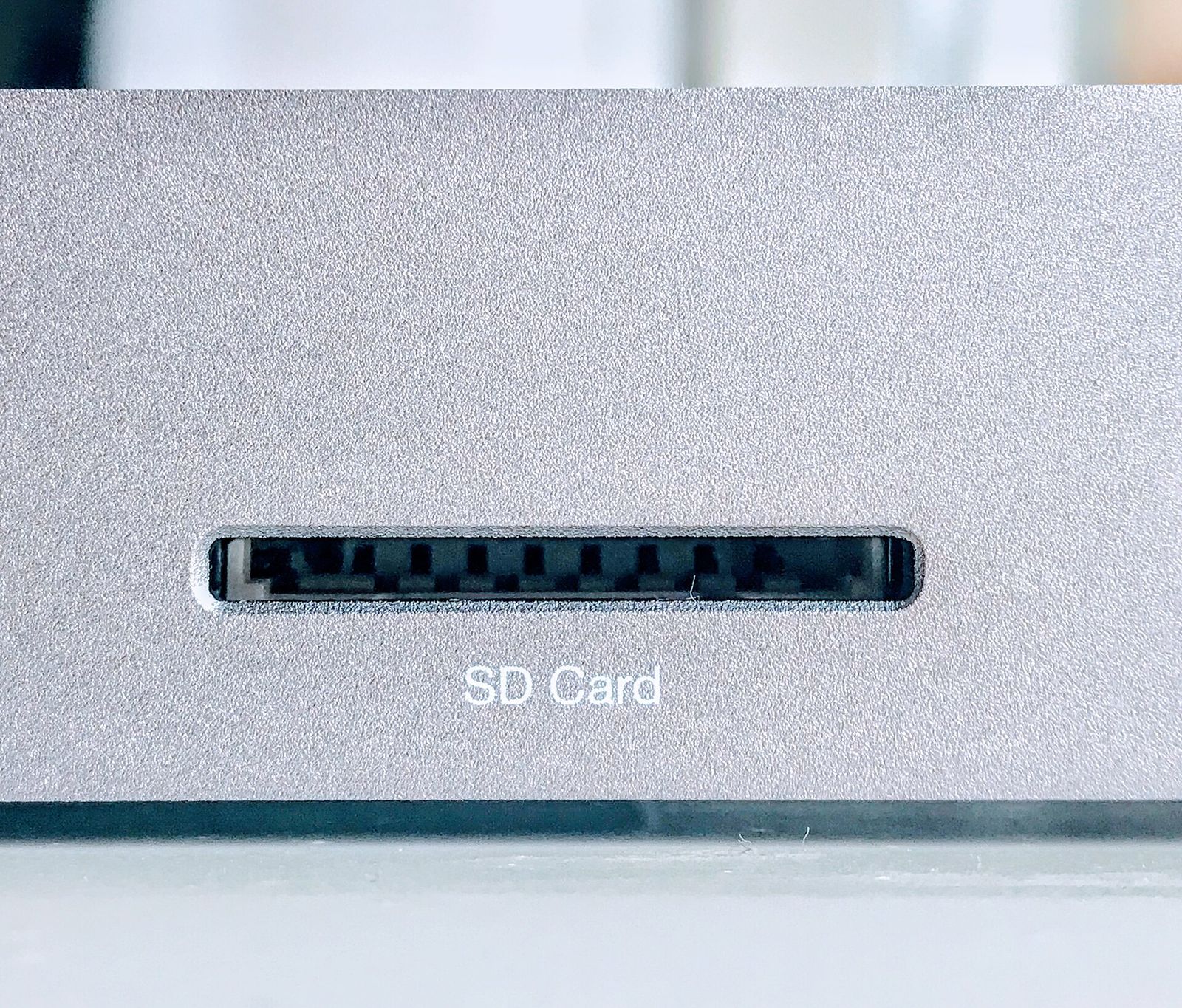
A memory card's label is crowded with symbols: a U with a number inside, a V30, an A2, a Roman numeral and a headline speed in megabytes per second. Some of these describe the card's guaranteed minimum performance, some describe the connection it uses, and the big number on the front often describes something else entirely. This guide explains what each marking means, which ones matter for your device, and how to avoid paying for speed you can't use.
Capacity families: SDHC, SDXC and SDUC
The capacity family tells you which devices can read the card:
| Family | Capacity | Usual file system |
|---|---|---|
| SDHC | Over 2 GB up to 32 GB | FAT32 |
| SDXC | Over 32 GB up to 2 TB | exFAT |
| SDUC | Over 2 TB up to 128 TB | exFAT |
Older devices that support only SDHC won't use an SDXC card, so check your device's manual for its maximum supported capacity. The same families apply to microSD, which is electrically similar and simply smaller. A microSD card in a passive adapter works as a full-size SD card.
Bus interfaces: UHS-I, UHS-II and SD Express
The bus is the connection between card and device. It sets the ceiling on speed, and both sides must support the same bus to reach it.
- UHS-I (marked with the Roman numeral I): up to 104 MB/s. This is the most common interface in phones, consoles, drones and entry-level cameras.
- UHS-II (marked II): up to 312 MB/s, using a second row of contacts on the back of the card. Many mid-range and professional cameras support it.
- UHS-III: specified at up to 624 MB/s but rarely used.
- SD Express: uses the PCIe and NVMe technology found in computer SSDs, for speeds approaching or exceeding those of internal storage. It is newer and, until recently, rarely supported by devices.
A UHS-II card in a UHS-I device works, but only at UHS-I speeds. Some UHS-I cards advertise read speeds above 104 MB/s; these use a manufacturer's own extension that needs a compatible card reader, and they read at normal UHS-I speeds elsewhere.
Speed classes: the guaranteed minimum
The headline "up to" figure is usually the best-case read speed. For recording video, what matters is the minimum sustained write speed, which is what the speed class symbols guarantee:
| Symbol | Minimum sustained write |
|---|---|
| Class 10 (C in a circle) | 10 MB/s |
| U1 (1 in a U) | 10 MB/s |
| U3 (3 in a U) | 30 MB/s |
| V6, V10, V30 | 6, 10, 30 MB/s |
| V60 | 60 MB/s |
| V90 | 90 MB/s |
The Video Speed Classes (V) were introduced for high-resolution and high-bitrate recording. A card that drops below the camera's bitrate, even briefly, can stop a recording or drop frames, so the guaranteed minimum is the figure that counts.
Rule of thumb: divide your camera's highest video bitrate in megabits per second by 8 to get megabytes per second, then choose a speed class comfortably above it. A 200 Mbit/s mode needs at least 25 MB/s, so V30 at minimum.
App Performance: A1 and A2
The A1 and A2 marks matter when software runs from the card, as in phones, handheld consoles and small computers. They measure random reads and writes of small blocks (in input/output operations per second, IOPS) rather than long sequential transfers.
- A1: at least 1,500 read and 500 write IOPS, plus 10 MB/s sustained.
- A2: at least 4,000 read and 2,000 write IOPS, plus 10 MB/s sustained.
A2 reaches its full performance only in devices that support its command queuing and caching features. In devices without that support, an A2 card behaves roughly like an A1 card. It still works, so there's no harm in buying A2.
Which card for which device
| Device | What to look for |
|---|---|
| Phones and tablets with a card slot | microSD, A1 or A2, U3 |
| Compact and entry-level cameras | SD, UHS-I, U3/V30 for 4K video |
| Mirrorless cameras shooting high-bitrate video or fast bursts | SD, UHS-II, V60 or V90 if the camera supports it |
| Action cameras | microSD, V30; check the maker's list for high-bitrate modes |
| Drones | microSD, U3/V30 at minimum; some high-bitrate modes need V60 |
| Handheld consoles | microSD with A1/A2 for loading games, or microSD Express where the console requires it |
| Dash cams and security cameras | microSD rated for high endurance |
Consoles. Many handheld gaming devices and consoles use ordinary UHS-I microSD cards, where an A2 card helps loading times. The Nintendo Switch 2 uses microSD Express cards for game storage, and ordinary microSD cards can't be used for its games. Check your console's requirements before buying.
Cameras. UHS-II pays off for burst photography, because the camera empties its buffer faster and you can keep shooting. If your camera has two slots, its manual will say whether both support UHS-II. Our guides to mirrorless cameras, action cameras and drones cover what those devices record.
Continuous recording. Dash cams and security cameras overwrite the card all day, which wears out flash memory. High-endurance cards are built for this, and their makers usually quote endurance in hours of recording. See our dash cam guide.
Avoiding fake and failing cards
Counterfeit cards are a real problem. Some report a large capacity but store far less, silently losing data once the real capacity is full.
- Be wary of capacities and speeds that look too good to be true, and buy from sellers you trust.
- Test a new card with a full-capacity test tool that writes and verifies the entire card before relying on it.
- Format the card in the device that will use it, rather than on a computer, so it gets the right file system and layout.
- Use the device's own "safely remove" or power-off before taking the card out.
- Replace cards that start showing errors, and don't treat a card as a backup. Our backup guide explains a safer approach.
Card readers
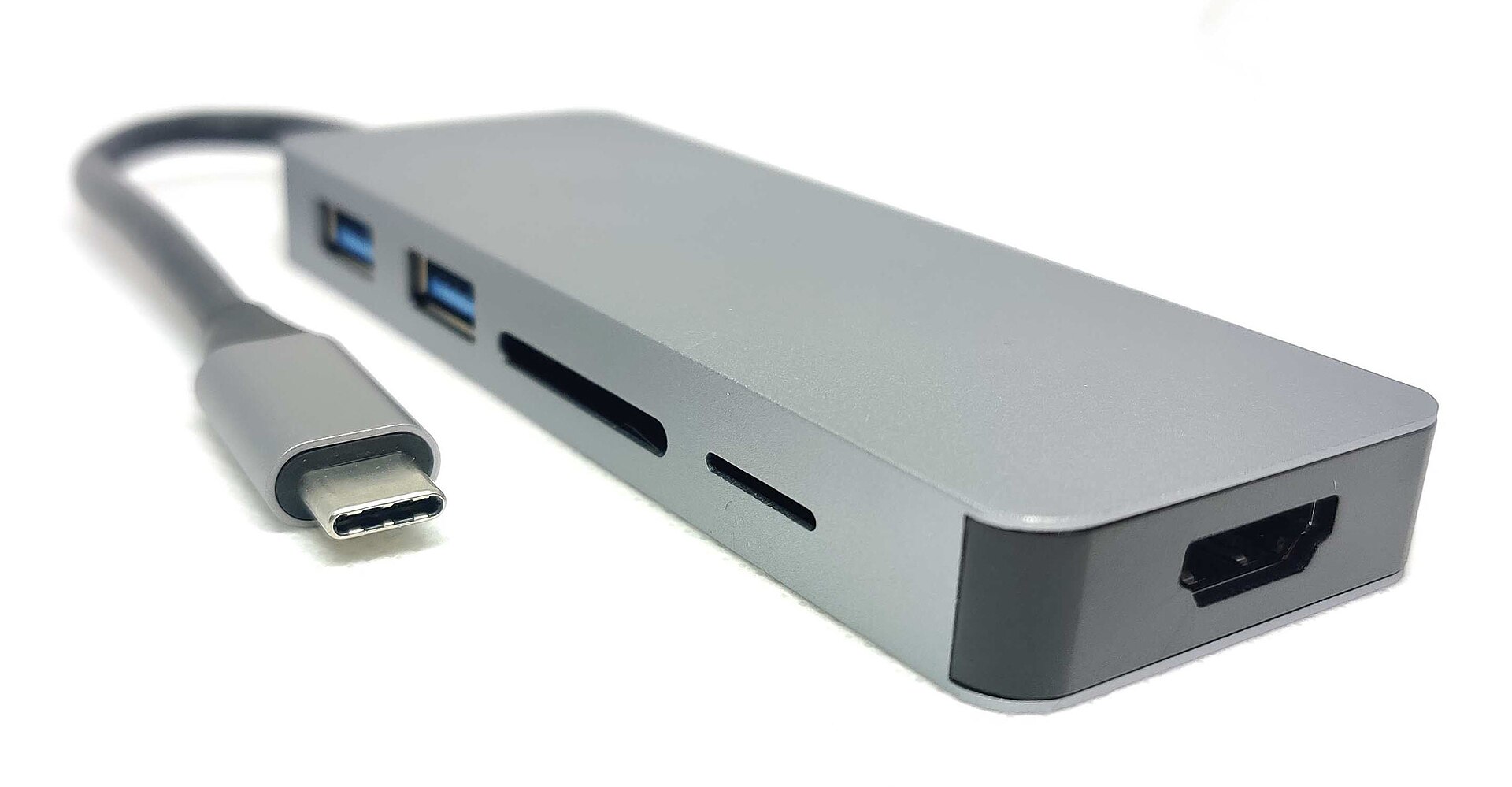
Transfers to a computer run only as fast as the slowest link. A built-in reader or a hub may support only UHS-I, so a UHS-II card will copy at roughly a third of its potential. If you shoot large amounts of photo and video, a dedicated UHS-II (or SD Express) reader on a fast USB port saves real time. Our guide to USB-C hubs and docking stations explains what to check on the card slots of a hub.
The short version
- SDXC for cards above 32 GB; check your device supports it.
- The bus (UHS-I, UHS-II, SD Express) sets the maximum speed, and both card and device must support it.
- For video, the V class is the number that matters: V30 for most 4K, V60 or V90 for high-bitrate modes.
- A1/A2 help phones and consoles run apps and games from the card.
- High-endurance cards for dash cams and security cameras.
- Test new cards, format them in the device, and keep backups.
Bloiq is reader-supported. Some links may earn us a commission; it never affects what we write. How we make money.
Cover photo: Amin, CC BY-SA 4.0, via Wikimedia Commons