Ethernet cables explained: Cat 5e, 6, 6a, 7 and 8, and when to use them
What Ethernet cable categories mean for speed and distance, flat versus round cables, shielding, in-wall runs, and when a wired link beats Wi-Fi at home.
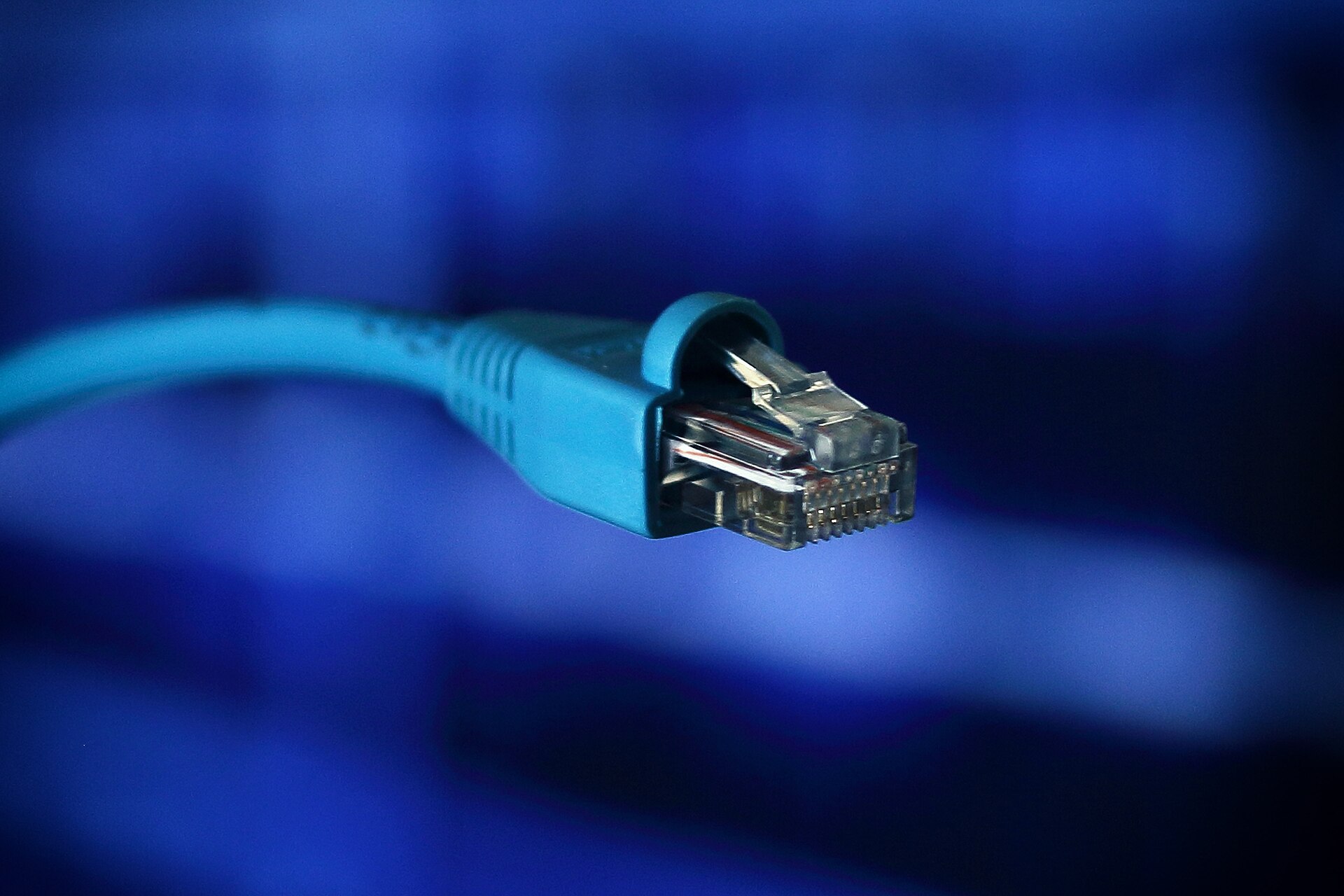
Ethernet cables all look much the same, yet the label printed on the jacket, from Cat 5e to Cat 8, promises very different speeds and costs. The good news is that most homes need far less than the highest category on sale. The bad news is that a poorly made cable, or the wrong cable for a long run inside a wall, can quietly hold back a fast connection. This guide explains what the categories mean, which details matter, and when a cable is worth running instead of relying on Wi-Fi.
What the categories mean
A cable's category describes how it performs at high signal frequencies, measured in megahertz (MHz). A higher frequency rating leaves more headroom for faster network standards and makes the cable more resistant to crosstalk, interference between the twisted pairs inside it. Network speed itself is set by the equipment at each end: a better cable allows a faster link but does not create one.
| Category | Rated frequency | Typical use at home |
|---|---|---|
| Cat 5e | 100 MHz | 1 Gbit/s up to 100 m; 2.5 Gbit/s is designed to run on it |
| Cat 6 | 250 MHz | 1 Gbit/s with more margin; 5 Gbit/s; 10 Gbit/s on shorter runs (roughly 37–55 m) |
| Cat 6a | 500 MHz | 10 Gbit/s up to 100 m |
| Cat 7 / 7a | 600 / 1,000 MHz | Fully shielded; mostly an international cabling standard |
| Cat 8 | 2,000 MHz | 25–40 Gbit/s over up to 30 m, for data centres |
The 100 m limit applies to the whole link: in structured cabling, that is usually up to 90 m of fixed cable in the walls plus patch cords at each end. Few homes come anywhere close.
Which category to buy
- Cat 5e still handles gigabit Ethernet, which is what most routers, computers, consoles and TVs use. Existing Cat 5e in the walls rarely needs replacing for a gigabit or 2.5 gigabit connection.
- Cat 6 is a sensible default for new patch cables. The difference in cost is usually small, and it gives a margin for 2.5 and 5 gigabit equipment, which is becoming more common on routers, computers and network storage.
- Cat 6a is worth it for new cable inside walls, where replacing it later is hard. It supports 10 gigabit at full length.
- Cat 7 is defined by an international standard that expects special connectors, not the familiar RJ45 plug. Many cables sold as "Cat 7" with RJ45 plugs are, in practice, well-shielded Cat 6a-class cables. They work, but the label doesn't add much at home.
- Cat 8 is designed for short links between switches and servers. It is thick, stiff and offers nothing a home network can use.
Rule of thumb: Cat 6 for patch cables, Cat 6a for anything you build into the walls. Higher categories add cost and stiffness, not speed.
What actually limits your speed
Before buying faster cable, check the slowest part of the chain:
- Your internet plan. If your connection is below 1 Gbit/s, a gigabit link already carries all of it.
- Network ports. Most devices have gigabit ports. A link only runs at the speed both ends support, so a 2.5 gigabit computer plugged into a gigabit switch runs at gigabit.
- Switches. An unmanaged switch with gigabit ports limits every device connected to it.
- Storage. Copying from a hard drive is often slower than the network can carry. Our external storage guide explains typical drive speeds.
If a device shows a link speed of 100 Mbit/s when it should show 1 Gbit/s, the usual suspects are a damaged cable, a poorly crimped plug or a cable with only two of its four pairs connected. Gigabit and faster Ethernet use all four pairs.
Flat or round
Flat cables are thin and flexible, so they tuck under carpets, along skirting boards and under doors. They are fine for short patch runs at gigabit speeds.
Round cables keep their pairs twisted and separated more consistently, so they generally handle crosstalk and interference better over longer distances. They are the right choice for longer runs, anything inside walls and higher speeds. Thin "slim" round patch cables are a compromise for tidy desks and network cabinets.
Whichever shape you choose, avoid sharp bends, kinks and staples driven through the jacket. Damage to the pairs can reduce performance well before the cable stops working.
Copper, shielding and quality
- Solid copper conductors. Avoid copper-clad aluminium (CCA) cables. They are cheaper, but they don't meet the category standards, are more fragile, and handle Power over Ethernet less well.
- Solid or stranded. Solid-core cable is used for fixed runs and terminated in wall sockets and patch panels. Stranded cable is more flexible and used for patch cords.
- Shielding. Unshielded cable (U/UTP) is standard in homes and works well. Shielded types (F/UTP, S/FTP and others) help near strong sources of interference, but they work best when the whole system, including sockets and equipment, is properly shielded and earthed.
- Wire gauge. Thicker conductors (a lower AWG number, such as 23 AWG) cope better with long runs and with powering devices over the cable.
Lengths and in-wall runs
Measure the route, not the straight-line distance, and add some slack for moving furniture. At home lengths, a longer cable has no noticeable effect on speed, but a tangle of excess cable is a nuisance.
For cables run inside walls, ceilings or between floors, building and fire codes may require specific jacket ratings (for example riser or plenum ratings in North America, or fire-performance classes in Europe). Check the current rules where you live, and use a qualified installer if you are not confident. A neat in-wall installation ends at wall sockets, with short patch cables to each device, rather than a long cable fed through to the device itself.
Power over Ethernet
Power over Ethernet (PoE) sends power and data down the same cable to devices such as security cameras, Wi-Fi access points and some doorbells. Higher-power PoE produces some heat in the cable, especially in tight bundles. Solid copper Cat 6 or Cat 6a cable handles it best; CCA cable should be avoided entirely. Our guide to home security cameras and video doorbells covers PoE cameras.
When Wi-Fi isn't enough
Modern Wi-Fi is fast, and for phones, laptops and streaming it is usually all you need. A cable is worth running when:
- Latency and consistency matter, such as online gaming and video calls from a desk. Wired links avoid the brief slowdowns caused by interference and other devices.
- You move large files to and from a network storage drive, a backup or a desktop editing machine.
- A device stays in one place, such as a TV, console or desktop computer near a socket or router.
- You have a mesh Wi-Fi system. A wired connection between the mesh units (wired backhaul) frees all the wireless capacity for your devices. Our mesh Wi-Fi guide explains how it works.
- Thick walls or several floors weaken the signal more than any router can make up for.
If running cable is impractical, alternatives include powerline adapters, which use the mains wiring and vary widely with the age and layout of the circuits, and MoCA adapters, which use existing coaxial TV cable where it is available. Both are worth trying before drilling holes. For the latest wireless standards, see our guide to Wi-Fi 7 routers.
The short version
- Cat 5e is fine for gigabit; buy Cat 6 for new patch cables.
- Use Cat 6a for cable built into walls, to be ready for 10 gigabit.
- Cat 7 and Cat 8 add cost and stiffness, not useful home speed.
- Choose solid copper, never copper-clad aluminium.
- Flat for short runs under carpets; round for long and in-wall runs.
- Check your router, switch and device ports: they set the real speed.
- Wire the devices that stay put, and use cable for mesh backhaul where you can.
Bloiq is reader-supported. Some links may earn us a commission; it never affects what we write. How we make money.
Cover photo: Yuri Samoilov, CC BY 2.0, via Wikimedia Commons