Power banks explained: mAh vs Wh, real capacity and output wattage
Why a 10,000 mAh power bank doesn't give 10,000 mAh to your phone, how USB-C output wattage works, and the general airline rules for carrying one.
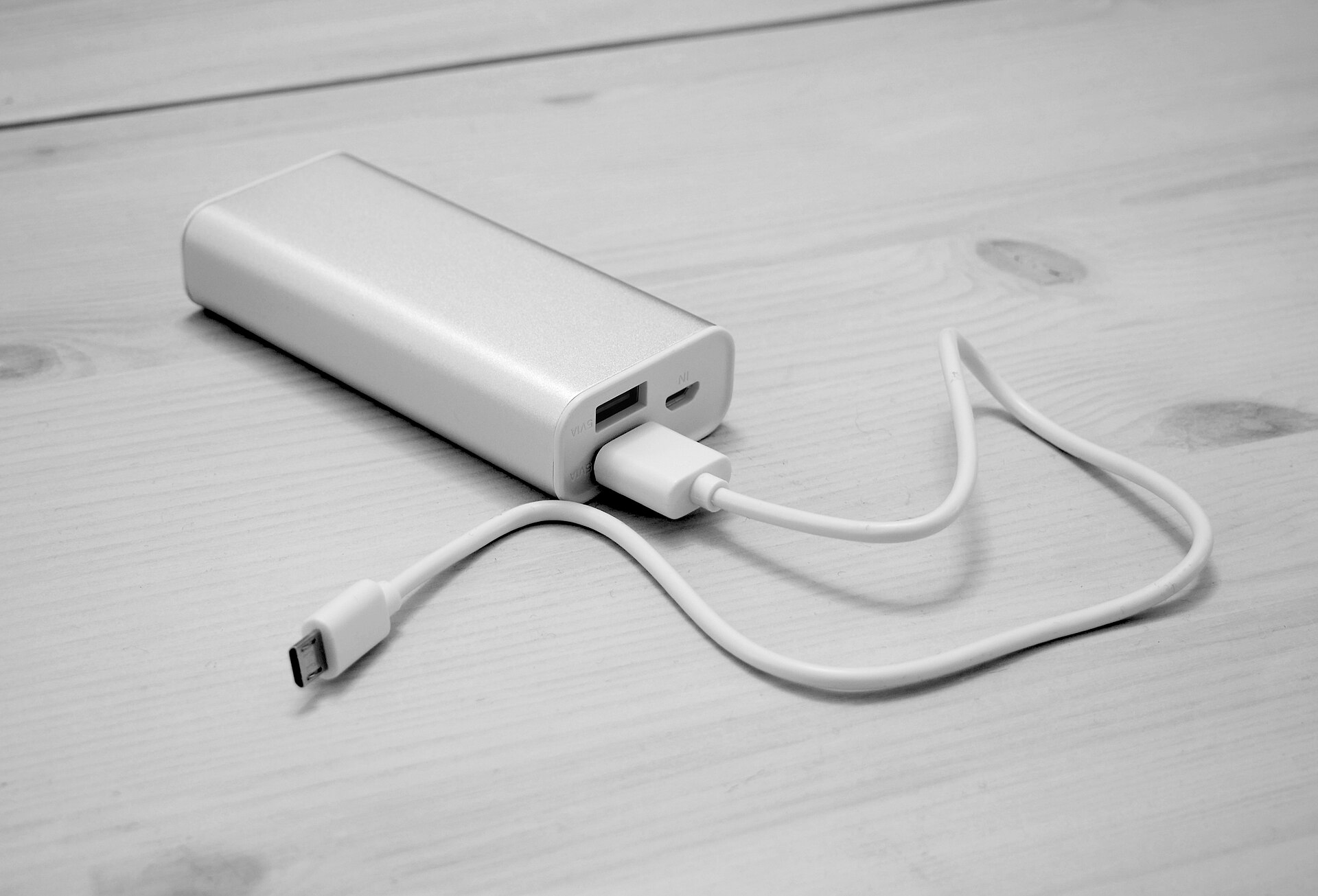
A power bank looks like a simple product: a battery in a box with a USB port or two. Yet the number printed biggest on the case, the milliamp-hour rating, is the one most likely to mislead you. A 10,000 mAh power bank will not put 10,000 mAh into a phone, and a bank that charges a phone quickly may barely trickle into a laptop. This guide explains how capacity is really measured, what output wattage means, and what to check before you pack one for a flight.
Why mAh on its own is misleading
Milliamp-hours measure electric charge, not energy. Energy depends on voltage too, and power banks quote mAh at the voltage of their internal lithium cells, usually about 3.6 or 3.7 volts. Your devices, however, charge at 5 volts or more over USB, and a laptop may take 20 volts.
That is why watt-hours (Wh) are the more honest measure. Watt-hours account for voltage, so they can be compared across power banks, phones, laptops and cameras, and they are what airlines and regulators use.
Formula: watt-hours = mAh × cell voltage ÷ 1,000. A 10,000 mAh bank at 3.7 V holds about 37 Wh; a 20,000 mAh bank holds about 74 Wh.
Most reputable power banks print the Wh figure on the case, often in small type near the regulatory markings. If it is missing, use the formula above with 3.6 or 3.7 V.
How much of the capacity actually reaches your device
Every time energy is converted, some is lost as heat. The power bank steps its cell voltage up to USB voltage, and then your phone steps it back down to charge its own battery. Cable resistance, the bank's electronics and the heat of fast charging all take a share.
As a rule of thumb, expect roughly 60–70 per cent of a power bank's rated capacity to end up in your device's battery. High-quality banks at moderate charging speeds do better; cheap banks, very fast charging and wireless charging tend to do worse.
To estimate how many charges you will get, compare watt-hours rather than mAh:
| Power bank rating | Approximate energy | Usable after losses (rough) | Typical use |
|---|---|---|---|
| 5,000 mAh | 18–19 Wh | 11–13 Wh | Topping up a phone once during a day out |
| 10,000 mAh | 36–37 Wh | 22–26 Wh | One to two full charges of most recent phones |
| 20,000 mAh | 72–74 Wh | 45–50 Wh | Several phone charges, or a partial laptop charge |
| 25,000–27,000 mAh | 90–99 Wh | 55–70 Wh | Laptops and multiple devices; near the common airline threshold |
Recent phones typically have batteries somewhere between about 12 and 20 Wh, so check your model's specification. Laptops commonly range from about 40 to 100 Wh, which is why even a large power bank usually gives a laptop one charge at most.
Cold also matters. Lithium batteries deliver noticeably less in freezing temperatures, so keep a power bank in an inside pocket on winter days.
Output wattage: how fast it can charge
Capacity tells you how much energy is stored; output wattage tells you how quickly it can be delivered. Watts are volts multiplied by amps.
- USB-A ports usually supply 5 volts at up to about 2.4 amps (roughly 12 W), with some supporting proprietary fast-charging modes at higher voltages.
- USB-C with USB Power Delivery (PD) negotiates voltage with the device, using fixed levels such as 5, 9, 15 and 20 volts. Standard PD tops out at 100 W (20 V at 5 A), and the newer extended power range goes higher, although few power banks offer it.
- PPS (Programmable Power Supply), part of USB PD, lets the voltage adjust in small steps. Some phones only reach their fastest charging speed from a charger or power bank that supports PPS. Our guide to USB-C chargers covers these standards in more detail.
A phone may be happy with 20–30 W, while a thin laptop typically needs about 45–65 W to charge while in use, and larger laptops need more. If you want to charge a laptop, check its charger's wattage and choose a bank whose USB-C port can supply at least that, or accept slower charging.
Also watch for the difference between total output and per-port output. A bank advertised as 100 W may deliver that only from one port, and share it out when several devices are plugged in.
Cables matter too. Delivering more than 60 W over USB-C requires a cable rated for 5 amps, which carries a small identification chip. A basic cable will limit the speed without warning.
Recharging the power bank itself
A large bank with a slow input can take most of a day to refill. A 20,000 mAh bank (about 74 Wh) charged at 18 W needs well over four hours once losses are included; at 45 W or more, it is far quicker. Look for the input wattage in the specifications, and note whether you need a wall charger of matching power to reach it.
Pass-through charging lets the bank charge itself and your devices at the same time, which is handy overnight in a hotel with one socket. Not every bank supports it, and some do it slowly.
Features worth checking
- A clear Wh rating printed on the case. This is what airport security looks at.
- Recognised safety certification. Look for marks from established testing organisations. Standards such as IEC 62133, which covers portable lithium cells, and UL 2056 for power banks in North America are good signs.
- Built-in cables, which save carrying extras but can wear out; check whether they are replaceable.
- Wireless or magnetic charging, including the Qi2 standard for phones that support it. It is convenient but less efficient than a cable, so you get fewer charges.
- Weight and size. A 10,000 mAh bank typically weighs around 200 g; a 20,000 mAh bank is often double that.
- A display or indicator lights showing remaining charge.
Flying with a power bank: the general rules
Rules for lithium batteries on aircraft are based on international guidance, and most airlines follow the same broad pattern. Individual airlines and countries can be stricter, and rules have tightened in recent years, so always check your airline's current policy before you fly.
In general terms:
- Power banks go in cabin baggage only. Spare lithium batteries, including power banks, are normally prohibited in checked luggage because a fire in the hold is hard to detect and fight. If a gate agent takes your cabin bag to the hold, remove the power bank first.
- Up to 100 Wh is usually allowed without special permission, often with a limit on how many you can carry.
- Between 100 and 160 Wh usually needs the airline's approval, and the number allowed is typically limited to two.
- Above 160 Wh is generally not permitted on passenger aircraft. That rules out most portable power stations; see our guide to portable power stations and solar panels for those.
- Using or charging a power bank during the flight is restricted or banned by a growing number of airlines, and some ask that power banks be kept where you can see them rather than in an overhead locker.
- Unmarked or damaged banks may be refused at security. A bank with no visible Wh or mAh rating can be treated as over the limit.
Protect the ports from short circuits by keeping them away from coins and keys, and don't carry a bank that is swollen, dented or getting unusually hot.
Looking after a power bank
- Store it partly charged, around half full, if you won't use it for months, and top it up occasionally.
- Avoid leaving it in a hot car or in direct sun.
- Charge it on a hard surface, not on a bed or sofa, and stop using it if it swells, smells or overheats.
- Recycle it through a battery collection point rather than household rubbish.
The short version
- Compare power banks by watt-hours, not mAh, and expect roughly 60–70 per cent of the rating to reach your device.
- A 10,000 mAh bank suits a day out with a phone; 20,000 mAh or more suits travel and multiple devices.
- For laptops, check that a USB-C PD port supplies at least 45–65 W, and use a cable rated for the wattage.
- Look for a clear Wh label and safety certification.
- On flights, keep it in cabin baggage, stay under 100 Wh unless you have approval, and check your airline's rules before travelling.
Big tablets have batteries of their own to think about; our guide to big-screen Android tablets touches on battery size and charging speed.
Bloiq is reader-supported. Some links may earn us a commission; it never affects what we write. How we make money.
Cover photo: Santeri Viinamäki, CC BY-SA 4.0, via Wikimedia Commons