Robotic lawn mowers: boundary wire vs wire-free, slopes and security
How robotic mowers find their way, what area and slope ratings really mean, and which safety and anti-theft features to look for before you buy.
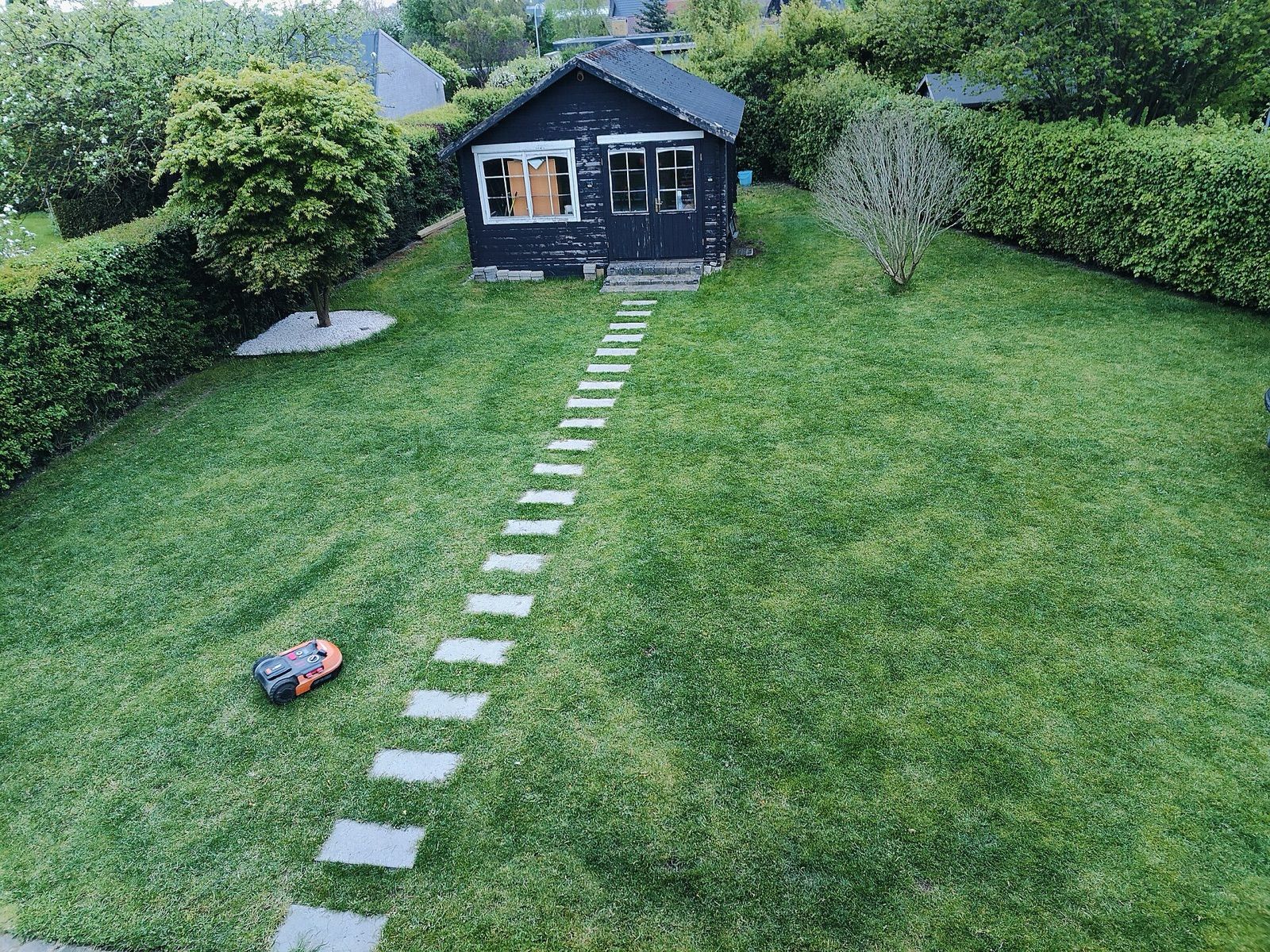
A robotic mower trims your lawn a little every day or two, quietly and without you, then drives itself back to its dock to charge. When it suits the garden, it keeps grass consistently neat with very little effort. When it doesn't, it gets stuck, misses patches or needs constant rescuing. The difference usually comes down to how the mower navigates, how honestly its area and slope ratings match your lawn, and how the garden is laid out. This guide covers each of those.
How robotic mowing works
Unlike a conventional mower, a robot doesn't cut a lot of grass at once. It trims a few millimetres at a time with small, lightweight blades (often pivoting razor-style blades on a spinning disc) and leaves the fine clippings to fall back into the lawn as mulch. Because it cuts so often, the clippings are tiny and break down quickly.
This has two consequences. First, a robot can't tackle long grass: mow the lawn down with a conventional mower before the robot starts, and after any long break. Second, it needs to run frequently, so its working capacity (how much lawn it can cover per day) matters more than raw cutting power.
Boundary wire: the established approach
Most robotic mowers have traditionally used a boundary wire: a thin cable pegged along the edge of the lawn or buried just below the surface, carrying a low-voltage signal from the charging station. The mower detects the wire and turns around when it reaches it. Wire is also looped around beds, ponds and trees you want it to avoid, and a guide wire often helps it find its way back to the dock.
Strengths: proven, works under trees and close to buildings, and doesn't depend on satellite signals or lighting.
Drawbacks: installation takes time (often a day for a typical garden, or you can pay for it), a cut wire stops the mower until you find and repair the break, and changing the layout means moving wire. Many wire-guided mowers mow in a random pattern, which covers the lawn well over time but can leave faint stripes of uneven cutting between runs.
Wire-free: RTK satellite and vision navigation
Newer mowers skip the wire and use one or more of these systems:
- RTK-GNSS (real-time kinematic satellite positioning). A reference antenna in your garden, or a network correction service, refines satellite positions to within a few centimetres. You map the lawn by driving the mower around the edge with an app, then draw no-go zones. RTK mowers usually cut in neat parallel lines. Their weakness is signal: tall buildings, dense trees and narrow side passages can block the sky and cause lost positioning.
- Vision (camera) navigation. Cameras and onboard software recognise grass edges and obstacles. These need no antenna and can cope under trees, but they depend on light and clear contrast between lawn and border, and may be restricted to daytime.
- Lidar and combined systems. Some models use lidar (laser ranging) or combine RTK with cameras and other sensors to cover each system's weak spots.
Because these systems vary so much between models, check what the manufacturer says about tree cover, shaded areas, night mowing and what happens when signal is lost.
Area ratings and working capacity
The maximum area on the box is the largest lawn the mower can maintain in ideal conditions: a simple, open shape, running most of the day. Real gardens are rarely ideal.
Reduce your expectations if your lawn has:
- several separate areas linked by narrow passages;
- lots of beds, trees and obstacles to navigate around;
- slopes, which slow the mower and drain the battery faster;
- fast-growing grass in spring and early summer.
Rule of thumb: choose a mower rated for noticeably more than your lawn area (many people allow around a third extra), especially if the layout is complex or you want quiet time without the robot running.
Also check the minimum passage width, whether it can mow multiple zones (and whether you have to carry it between them), and the cutting height range.
Slopes: percentages, not degrees
Slope ratings are given as a percentage: the rise divided by the run. A 100% slope is 45°, not vertical, so percentages sound steeper than they are. As rough conversions:
| Slope rating | Approximate angle |
|---|---|
| 20% | 11° |
| 35% | 19° |
| 50% | 27° |
| 70% | 35° |
Many standard robotic mowers are rated somewhere around 25–45%; all-wheel-drive models may claim considerably more. Measure your steepest section (a phone inclinometer app gives a reasonable estimate) and leave a margin. Wet grass reduces grip, and the maximum slope may apply only away from the boundary edge, so check the manual.
Safety features
Robotic mowers sold in many markets are designed to meet a dedicated safety standard (IEC 60335-2-107, published in Europe as EN 50636-2-107), which covers blade stopping when the mower is lifted or tilted, collision detection and guarding. Even so:
- Keep young children and pets away while it runs, and don't let children treat it as a toy.
- Clear the lawn of toys, hoses and fallen fruit before mowing sessions.
- Avoid night mowing. Hedgehogs and other small animals are active after dark and can be injured. Wildlife charities advise daytime schedules only.
- Use the PIN code or app lock that stops the blades being started by anyone else.
Security and connectivity
Robotic mowers sit outside unattended, so theft deterrence matters:
- PIN or account lock, so a stolen mower won't work without your code.
- Lift and tilt alarms that sound if it's picked up.
- GPS tracking, usually through a cellular connection. Check whether it needs a subscription after an initial period.
- App and account security: use a strong, unique password and install firmware updates, as you would for any connected device.
Consider where the dock sits. Somewhere less visible from the street helps, and some owners add the mower to their home insurance.
Living with a robotic mower
- Edges still need trimming. Most robots can't cut right up to walls and fences; a string trimmer finishes the job. Laying edging stones flush with the lawn helps.
- Maintenance is mainly cleaning grass from underneath (usually not with a hose unless the manual allows) and replacing blades regularly. The small blades are inexpensive but dull quickly.
- Winter: clean the mower and store it indoors; many manufacturers recommend storing the dock indoors too.
- Rain and frost: many models have rain sensors or scheduling that pauses mowing in bad weather.
If you already live with a robot vacuum, many of the same ideas apply: mapping, no-go zones and app control. Our robot vacuum and mop guide covers those indoors.
The short version
- Decide between boundary wire (reliable, more set-up) and wire-free (easier set-up, depends on signal or light).
- For RTK models, check sky view over your lawn; for vision models, check lighting and edge contrast.
- Choose an area rating well above your lawn size, more so for complex layouts.
- Compare slope ratings in percent with your steepest section, with a margin.
- Insist on PIN lock, lift alarm and, ideally, tracking.
- Schedule daytime mowing only, and keep a conventional lawn mower or trimmer for first cuts and edges.
Bloiq is reader-supported. Some links may earn us a commission; it never affects what we write. How we make money.
Cover photo: Vaibhavratnaparkhi, CC BY-SA 4.0, via Wikimedia Commons