Surge protectors and UPS units: joule ratings, VA vs watts, UPS types
What joule ratings and clamping voltage mean, how to size a UPS in watts rather than VA, and when standby, line-interactive or online double-conversion is worth it.
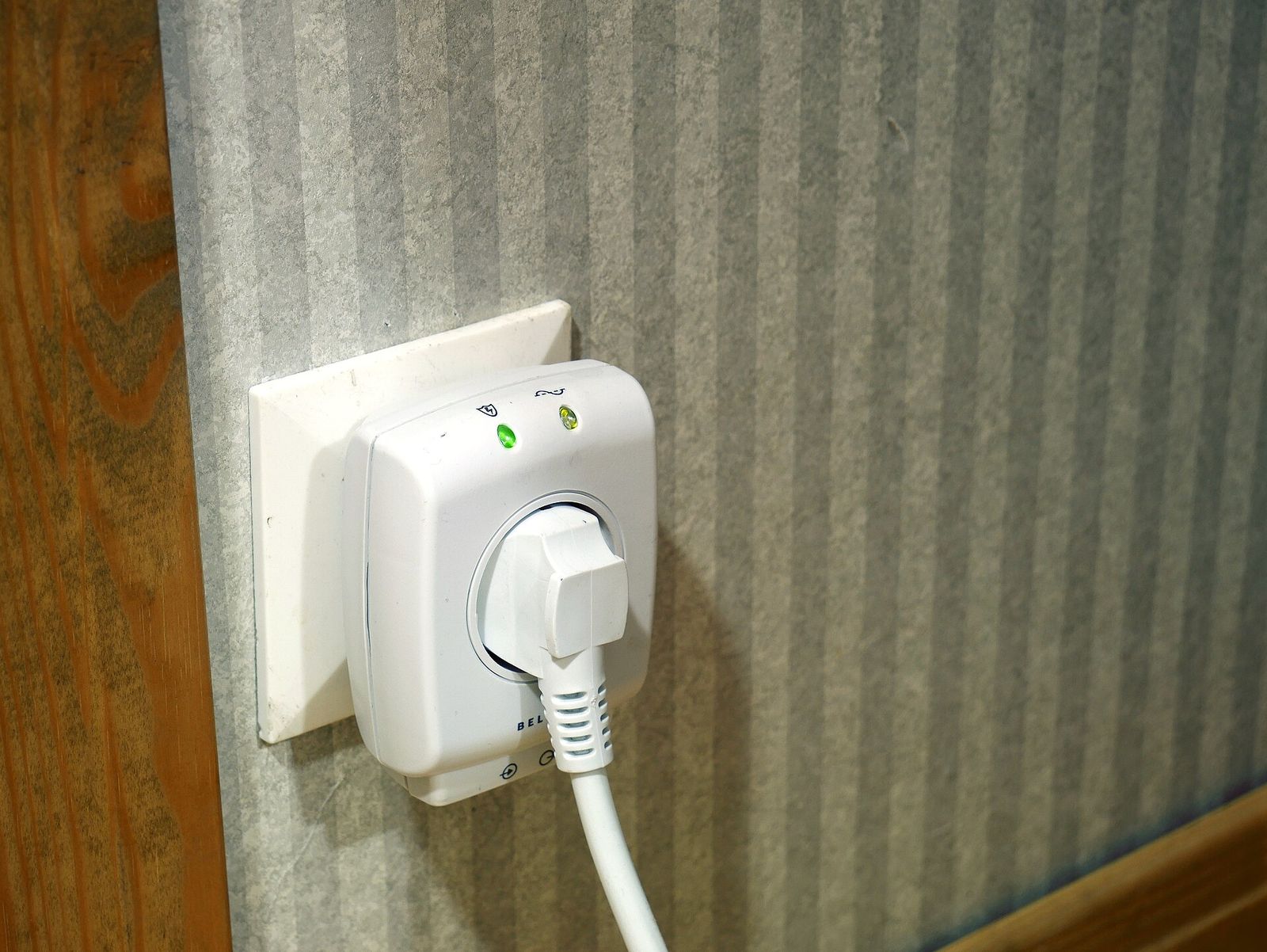
A thunderstorm, a fault on the grid or a big motor switching on can send a brief spike down your wiring, and a power cut or a deep dip can crash a computer mid-save or corrupt a network drive. Surge protectors and uninterruptible power supplies (UPS units) deal with different parts of that problem, and both come with spec sheets full of numbers that are easy to misread. This guide explains what the ratings mean and how to match the device to the equipment you want to protect.
Power strip, surge protector or UPS?
- Power strip (extension lead): extra sockets, sometimes a switch or overload breaker, but no surge protection. In North America these are listed to UL 1363.
- Surge protector (surge protective device, SPD): diverts voltage spikes lasting millionths of a second away from your equipment, usually with components called metal oxide varistors (MOVs). It does nothing in a power cut.
- UPS: a battery and inverter that keep equipment running through dips and cuts for a few minutes, sometimes longer: enough to save your work and shut down cleanly. Most include surge protection as well.
| Power strip | Surge protector | UPS | |
|---|---|---|---|
| Extra sockets | Yes | Yes | A few |
| Absorbs voltage spikes | No | Yes | Yes (most models) |
| Rides through dips and cuts | No | No | Yes |
| Typical use | Lamps, chargers | TVs, computers, games consoles | Desktop PCs, network drives, routers |
Joule ratings and the numbers that matter more
The joule rating is how much energy the protector can absorb before it wears out. Think of it as a reserve: every surge uses a little of it, and a large one can use it up at once. A higher figure generally means a longer life. Many buyers look for 1,000 joules or more for computers and home entertainment, and 2,000 or more for expensive equipment. The figure isn't defined by the main safety standard, so read it alongside the tested ratings:
- Listing: in North America, look for a surge protector listed to UL 1449. Elsewhere, the product standard is IEC 61643-11 (EN 61643-11 in Europe).
- Voltage protection rating (VPR), or clamping voltage: the voltage let through to your equipment during a standard test surge. Lower is better. For 120 V products, UL's best rating is 330 V; 400 V and 500 V are also common. On 230 V products the comparable figure is the voltage protection level (Up), and again lower is better.
- Nominal discharge current (In): the size of surge, in kiloamps, the device withstands repeatedly in testing. Higher means more robust.
- Protection modes: good units protect between all three conductors: line to neutral, line to earth and neutral to earth.
- Response time: often quoted in nanoseconds. MOVs react quickly anyway, so it's not a useful way to compare models.
- Status light: a "protected" indicator shows the surge components still work. Some designs cut power when protection is used up; others keep supplying unprotected power, so check the light now and then.
Rule of thumb: plug a surge protector straight into a properly earthed (grounded) wall socket, and replace it after a major surge or as soon as its "protected" light goes out.
What a surge protector can't do
- Direct lightning strikes overwhelm any plug-in device. In a severe storm, unplugging is the only sure protection.
- Other cables carry surges too: aerial and cable-TV coax, phone lines and long network runs. Many protectors have coax or Ethernet pass-through ports for them.
- Earthing matters. If a protector's "grounded" or wiring-fault light shows a problem, have the socket checked.
- Whole-home protection: devices installed at the consumer unit or electrical panel (Type 1 or Type 2) handle big surges arriving from outside, while plug-in protectors catch smaller ones, including those generated inside the home when motors and compressors switch. Some electrical codes now require panel protection in new installations; an electrician can advise.
For safe everyday use, don't plug one strip into another or into an extension lead, keep heaters and kettles on a wall socket, and stay within the rated load: about 15 A (roughly 1,800 W) on a typical North American strip, or 13 A (about 3,000 W) on a UK plug.
Sizing a UPS: VA vs watts
UPS units carry two ratings. VA (volt-amperes) is apparent power, voltage multiplied by current. Watts is the real power your equipment uses. The ratio between them is the power factor, so a unit might be rated 1,500 VA and 900 W, or 1,500 VA and 1,000 W. Size by watts.
- Add up the watts of everything that needs battery backup: computer, monitor, network drive, router, modem. A plug-in power meter shows real draw. A computer's power supply rating is its maximum capacity, not what it uses.
- Leave headroom: keep the total at no more than about 70–80% of the UPS's watt rating.
- Read the runtime chart. At full load a typical home UPS may run for only a few minutes; at half load, usually more than twice as long, because batteries deliver more energy at lower currents.
For example, a desktop drawing about 250 W, a 30 W monitor and 20 W of networking add up to roughly 300 W. A UPS rated around 500–600 W keeps that well inside the limit and leaves time to save and shut down.
Standby, line-interactive and online UPS units
| Type | Switching to battery | Voltage regulation | Typical use |
|---|---|---|---|
| Standby (offline) | A few milliseconds | None; switches to battery | Home PC, router, modem |
| Line-interactive | A few milliseconds | Boosts and trims voltage (AVR) | Home offices, network drives, gaming PCs |
| Online double-conversion | None | Continuous | Servers, sensitive equipment, poor supplies |
- Standby units pass mains power through a surge filter and switch to the inverter when power fails. They're efficient, quiet and inexpensive, but every dip means a trip to battery.
- Line-interactive units add automatic voltage regulation (AVR), raising low voltage and lowering high voltage without touching the battery. They're the usual choice for home offices and areas with brownouts.
- Online double-conversion units turn mains into DC and back into AC all the time, so there's no transfer gap. They cost more, run warmer and are usually noisier, but suit servers, unstable supplies and generators.
Pure sine wave or simulated sine wave
On battery, cheaper models produce a stepped approximation ("simulated" sine wave); better ones produce a pure sine wave. Many modern computer power supplies use active power factor correction (PFC), and some shut down or misbehave on a stepped waveform, so pure sine wave output is the safer choice for desktops and network drives. Routers and modems with small plug-in adapters usually cope with either. Standby and line-interactive units pass mains power through in normal use, so the waveform only matters during an outage.
Batteries, outlets and shutdown software
- Battery life: sealed lead-acid batteries typically last about three to five years, less in a warm room. A user-replaceable battery extends the unit's life. Lithium iron phosphate (LiFePO4) models cost more but last longer and weigh less.
- Battery and surge-only outlets: many units have both. Laser printers draw large surges of current when they warm up and belong on a surge-only outlet, never on battery.
- Don't chain devices: most UPS makers advise against plugging a UPS into a surge protector or extension lead, or plugging a power strip into the UPS's battery outlets.
- Automatic shutdown: a USB connection lets a computer read the battery level and shut down cleanly before it runs out. Many network storage systems support this directly; see our NAS guide.
- Keep the internet up: a small UPS on the modem, router or fibre box keeps Wi-Fi running through short cuts, as long as your provider's network still has power. Our mesh Wi-Fi guide covers the rest of the network.
- Longer outages: a UPS is for minutes, not hours. For longer backup, see portable power stations (some have a UPS or pass-through mode; check the stated switchover time) and portable generators.
The short version
- Choose a surge protector listed to UL 1449 or tested to IEC 61643-11, with a low clamping voltage and, for computers and AV, 1,000 joules or more.
- Plug it straight into an earthed wall socket, never into another strip, and replace it when the "protected" light goes out.
- Size a UPS by watts, keep the load below about 80%, and check the runtime chart.
- Line-interactive with AVR suits most homes; online double-conversion suits sensitive equipment and poor supplies.
- Choose pure sine wave output for modern PCs and network drives.
- Budget for a new battery every few years, and connect the USB cable for automatic shutdown.
Bloiq is reader-supported. Some links may earn us a commission; it never affects what we write. How we make money.
Cover photo: Santeri Viinamäki, CC BY-SA 4.0, via Wikimedia Commons