Smart locks explained: retrofit or replacement, keypads and backups
How retrofit and full-replacement smart locks differ, what keypads, fingerprints and apps offer, and how to plan for flat batteries and lock security ratings.
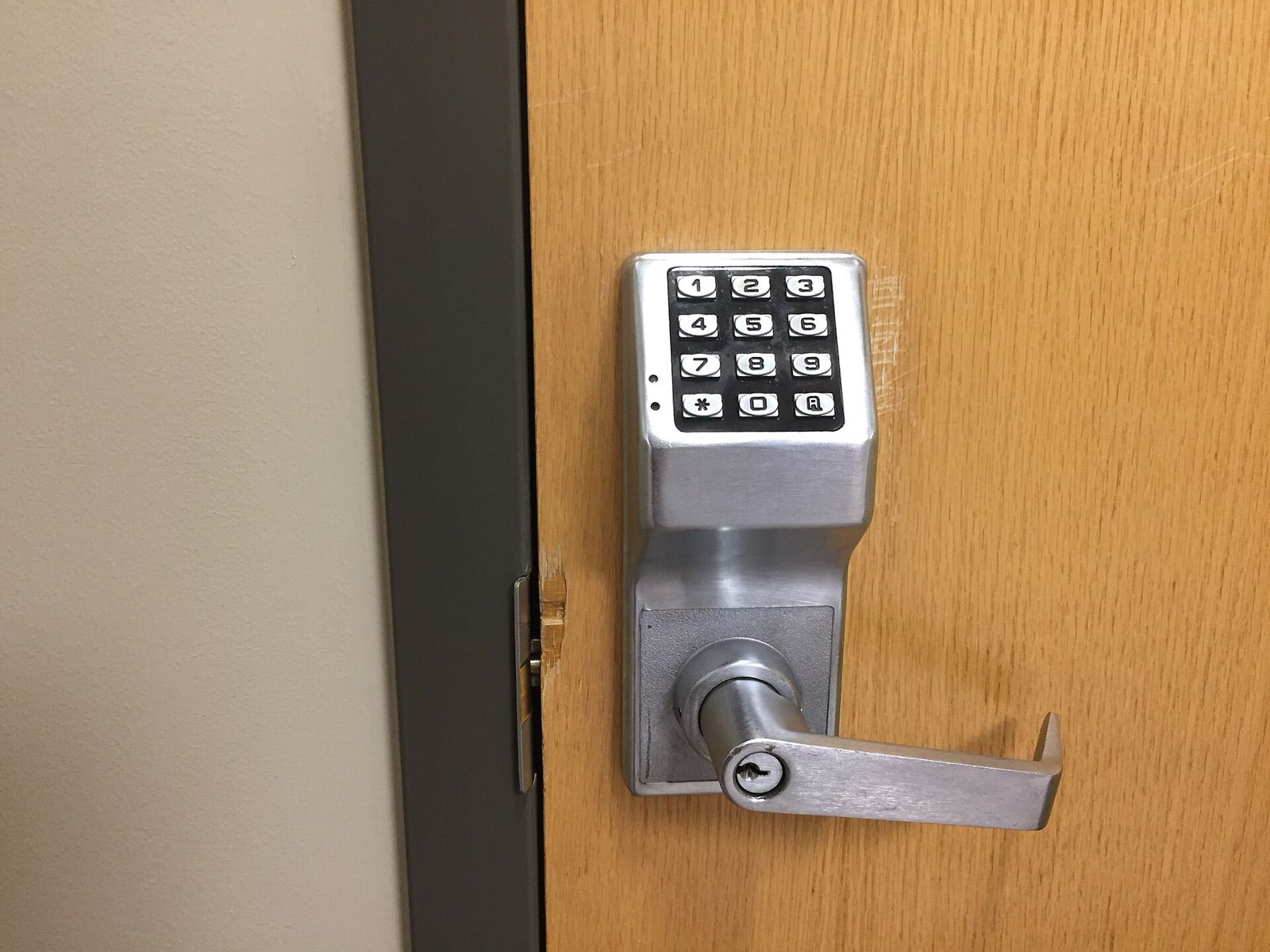
A smart lock lets you open your door with a code, a fingerprint or your phone, give a cleaner or a guest temporary access, and check whether you remembered to lock up. It is also the one smart-home device where a poor choice can leave you locked out, or less secure than before. The right lock depends on the lock and door you already have, how you want to get in, and what happens when the battery or the internet fails. This guide explains the choices in plain terms.
Start with the lock and door you have
Smart locks are designed for particular lock types, so compatibility is the first question.
- Deadbolts with a thumb-turn inside are the most common setup in Canada and the United States, and the one most smart locks are designed for.
- Euro-profile cylinders, common in the UK and much of Europe, can often take a smart unit that turns the inside key or thumb-turn, or be replaced with a compatible cylinder.
- Multipoint locks on uPVC and composite doors usually need the handle lifted before the key is turned. A motorised lock can turn the cylinder but can't lift the handle, so auto-locking may not fully secure the door. Check the maker's guidance for multipoint doors specifically.
- Nightlatches and mortice locks have their own compatible models, but fewer choices.
Measure before you buy: door thickness, the backset (the distance from the door edge to the centre of the lock), and, for cylinders, the length on each side. Many makers offer an online compatibility checker or photo guide.
Retrofit vs full replacement
| Type | What changes | Advantages | Consider |
|---|---|---|---|
| Retrofit | Replaces only the inside thumb-turn or clamps over it | Keeps your existing keys and outside appearance; often renter-friendly | Usually needs a separate keypad for code entry; bulkier inside |
| Full replacement | Replaces the whole lock, often with a keypad outside | Keypad and lock in one unit; can upgrade the lock itself | More installation work; new keys; exterior hardware changes |
| Smart cylinder (mainly Europe) | Replaces the cylinder with a motorised or electronic one | Neat, fits existing hardware | Must match your door's cylinder size and type |
Renters should get the landlord's permission before changing any lock, and keep the original parts to refit when leaving.
Ways to unlock: keypad, fingerprint, app and more
- Keypad. Simple and works for everyone in the household without a phone. Good models let you create temporary or scheduled codes for guests and trades, and delete them afterwards. Wipe the keypad occasionally, as worn or smudged buttons can hint at the code.
- Fingerprint reader. Fast and nothing to remember, but readers can struggle with wet, cold, dirty or worn fingertips. Enrol more than one finger per person and keep another entry method available.
- Phone app over Bluetooth. Works when you're close to the door, without the internet.
- Remote access over Wi-Fi. Lets you lock, unlock and check status from anywhere. Some locks have Wi-Fi built in, which uses more battery; others connect through a small plug-in bridge or a smart-home hub.
- Auto-unlock and auto-lock. Auto-unlock uses your phone's location to open the door as you arrive; auto-lock relocks after a set time. A door sensor helps the lock know when the door is actually closed.
- NFC cards, fobs or phone wallet keys. Handy for children or anyone without a smartphone.
- Voice assistants. Most allow locking by voice, and require a spoken PIN, or disable voice unlocking entirely, for security.
If you want the lock to work with other devices, check its smart-home support. Newer models increasingly support Matter, often over Thread; our guide to smart-home standards explains what those mean.
Batteries and backup entry
Most smart locks run on AA batteries or a rechargeable pack, lasting anywhere from a few months to a year depending on the model, how often the door is used and whether Wi-Fi is built in. Plan for the day they run out:
- Low-battery warnings in the app and on the keypad give advance notice; don't ignore them.
- Emergency power: many keypads have terminals for a 9-volt battery or a USB-C port so you can power the lock from outside long enough to enter a code.
- A physical key remains the simplest backup. Some keyless models have no key at all, so check what they offer instead.
- Stiff doors drain batteries. If the bolt doesn't slide freely when the door is closed, adjust the strike plate or door alignment before fitting a motorised lock.
Keep a physical key somewhere sensible, such as with a trusted neighbour, rather than in a hidden spot outside.
Physical security ratings
A smart lock is still a lock, and its mechanical strength matters as much as its electronics. Ratings vary by region, so look for the ones used where you live:
- North America: ANSI/BHMA grades for residential locks, with Grade 1 the highest, Grade 2 common on better residential locks, and Grade 3 the most basic.
- UK: cylinders tested to TS 007 (look for a three-star rating, or a one-star cylinder combined with two-star hardware) or the Sold Secure Diamond standard resist snapping and other common attacks. BS 3621 applies to many mortice locks and nightlatches and is often mentioned in home-insurance policies.
- Europe: standards such as EN 1303 grade cylinders for key security and attack resistance.
Check your home-insurance policy too. Some insurers specify the type of lock required on external doors, and a lock that doesn't meet it could affect a claim.
Digital security and privacy
- Use two-factor authentication on the lock's account and a strong, unique password.
- Choose a brand that provides regular firmware updates, and install them.
- Review the access log from time to time, and remove old users and codes.
- Check which features still work if the maker's cloud service is unavailable. Bluetooth, keypad and key access usually continue; remote control may not.
Safety and practical points
- Make sure you can always get out quickly. The inside should open with a simple turn, without a key, code or app, so that nobody is trapped in a fire. Follow local fire and building rules, especially for flats and rented homes.
- Check the outdoor rating of any exterior keypad for rain and freezing temperatures.
- Consider the look: retrofit units are bulky inside, and full replacements change the outside.
- Installation is usually a screwdriver job, but misaligned doors, unusual lock types and wired installations may need a locksmith.
If you want to see who's at the door before unlocking, a video doorbell is the natural partner; see our guide to home security cameras and video doorbells.
The short version
- Identify your lock type (deadbolt, euro cylinder, multipoint, nightlatch) and measure before buying.
- Choose retrofit to keep your keys and exterior, or full replacement for a built-in keypad.
- A keypad is the most reliable everyday option; treat fingerprints and apps as extras.
- Plan for flat batteries with warnings, emergency power and a physical key.
- Look for the right security rating for your region and check your insurance requirements.
- Make sure the door always opens easily from the inside.
Bloiq is reader-supported. Some links may earn us a commission; it never affects what we write. How we make money.
Cover photo: Khrystinasnell, CC0, via Wikimedia Commons