Inkjet vs laser vs ink tank printers: running costs and features
How inkjet, ink tank and laser printers compare on cost per page, print quality and reliability, and which multifunction features are worth having at home.
A printer's purchase price is often the smallest part of what it costs you. The real expense is ink or toner, and that varies enormously between technologies. A cheap cartridge inkjet can cost more to run over a few years than a pricier printer with refillable tanks, while a laser printer may be the better choice if you mostly print text. This guide explains the three main types, how to estimate running costs, and which features matter for a home or home office.
The three main types at a glance
| Type | How it prints | Strengths | Weaknesses | Best for |
|---|---|---|---|---|
| Cartridge inkjet | Sprays liquid ink from cartridges | Low purchase cost, good photos, compact | High cost per page, ink can dry out if unused | Occasional printing, photos |
| Ink tank inkjet | Sprays ink fed from refillable tanks | Very low cost per page, especially colour | Higher purchase cost, still an inkjet that needs regular use | Regular colour printing, families, schoolwork |
| Laser | Fuses toner powder onto paper with heat | Sharp text, fast, toner doesn't dry out | Colour lasers larger and weaker for photos | Mostly text, infrequent printing, home offices |
Cartridge inkjets
Cartridge inkjets are usually the cheapest printers to buy and handle colour documents and photos well. The catch is the cartridges: they hold little ink, so the cost per page is typically the highest of the three types.
Other things to know:
- Ink dries out. If you print only occasionally, nozzles can clog, and cleaning cycles use up ink.
- Starter cartridges in the box are often only partly filled, so the first replacements come sooner than you might expect.
- Separate colour cartridges let you replace only the colour that runs out; combined tri-colour cartridges waste the remaining colours when one runs dry.
- Photo printers with extra ink colours give smoother skin tones and gradients, but cost more to run.
Ink tank printers
Ink tank printers are inkjets with large built-in tanks that you refill from bottles. They cost more to buy, but a set of bottles typically lasts for thousands of pages, bringing the cost per page far below cartridge inkjets, especially for colour.
They suit households that print regularly, particularly colour documents, schoolwork and occasional photos. Consider:
- They still need regular use. Like any inkjet, print heads can clog if left unused for weeks. Printing a page or two each week helps.
- Refilling is designed to be tidy, with keyed bottles that fit only the right tank.
- Print heads in most ink tank models are built into the printer rather than the cartridge, so a failed head can be expensive to replace. Check the warranty.
Laser printers
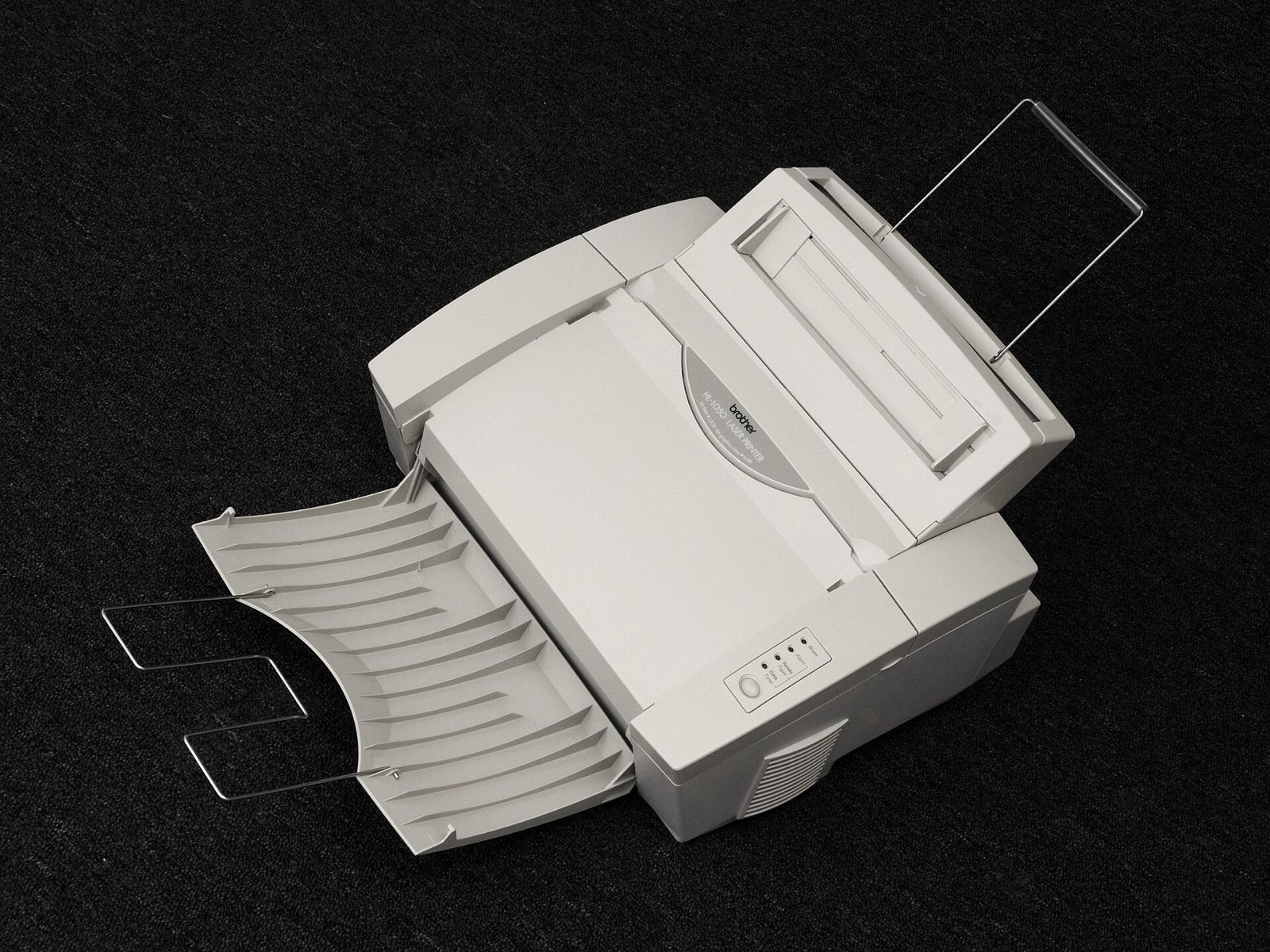
Laser printers use toner, a fine powder fused onto paper by heat. Toner doesn't dry out, so a laser printer that sits unused for months will usually print perfectly first time.
- Mono lasers print only black. They are usually the most economical choice for text documents, forms and tickets, with low cost per page and fast, crisp output.
- Colour lasers handle charts and business graphics well but are larger, cost more to buy and run, and aren't designed for photo-quality prints.
- Toner and drums. Some models use a separate drum unit that needs replacing less often than the toner; factor both into running costs.
Working out the cost per page
Printer makers publish page yields for cartridges and toner, measured using international test methods (ISO/IEC standards) that print a set of standard pages with fairly light coverage. These let you compare printers on equal terms.
Formula: cost per page = price of the cartridge, bottle or toner ÷ its rated page yield. For colour, add the cost per page of each colour to black.
Keep in mind:
- Your pages may use more ink than the test pages, especially photos, graphics and dark backgrounds, so real yields are often lower.
- Compare like with like: standard versus high-yield cartridges can have very different costs per page.
- Check current prices of consumables before choosing a printer, not just the printer's price.
- Compatible and refilled cartridges can be cheaper, but quality varies, and some printers' firmware updates may reject non-original cartridges. Check the maker's policy before relying on them.
- Ink subscription plans charge monthly for a set number of pages and send cartridges automatically. They can suit steady printing, but check the page allowance, overage charges and what happens if you cancel.
Multifunction features
Most home printers are multifunction (all-in-one) devices. Features that make a difference:
- Scanning: a flatbed for single pages, photos and books. Check the optical resolution; 600 dpi or more is plenty for documents and most photos.
- Automatic document feeder (ADF): scans or copies a stack of pages without lifting the lid. A duplex ADF scans both sides; a single-pass duplex ADF does it in one go and is faster.
- Automatic duplex printing: prints on both sides, saving paper.
- Copying, including double-sided and ID-card copy modes.
- Fax: still required by some offices and services, but increasingly rare.
- Paper handling: tray capacity, a rear or manual feed for thick card and envelopes, and borderless photo printing if you want it.
Connectivity and software
- Wi-Fi is standard; Ethernet is more reliable for a shared home office.
- Mobile printing standards such as AirPrint and Mopria let phones and tablets print without an app.
- Wi-Fi Direct lets devices print without joining your network, handy for guests.
- Scan to email or cloud saves a trip to the computer.
- Accounts and apps: some printers require a maker's account or app for setup or certain features. Check what works without one.
- Security: keep firmware updated and change default admin passwords.
For a home office, pair a good printer with a decent camera and microphone; our guide to webcams and USB microphones covers those.
Other practical points
- Print speed figures (pages or images per minute) are measured under standard conditions; the first page out and duplex speed matter more at home.
- Noise and size: laser printers can be heavier; ink tank models are wide.
- Energy use: lasers draw more power briefly while warming up, but modern printers use little in sleep mode.
The short version
- Occasional printing, mostly text: a mono laser, which won't dry out between uses.
- Regular colour printing: an ink tank printer, for the lowest cost per page.
- Occasional photos and low upfront cost: a cartridge inkjet, accepting higher running costs.
- Estimate cost per page from consumable prices and rated yields, and remember real pages use more.
- Look for automatic duplex printing, an ADF if you scan multi-page documents, and mobile printing support.
Bloiq is reader-supported. Some links may earn us a commission; it never affects what we write. How we make money.
Cover photo: Hubert Berberich (HubiB), Public domain, via Wikimedia Commons