Home / Tech · Product overviews / Computers & Accessories / Keyboard Cases · More from typecase
typecase 13-inch iPad Keyboard Case with Trackpad: features and fit
A hardshell keyboard case with trackpad, 11-colour backlight and 360° hinge for 13-inch iPad Pro (M4) and iPad Air (M2). Compatibility and what to check.
This page contains an affiliate link, marked as such. If you buy through it, Bloiq may earn a commission at no extra cost to you.
The typecase Keyboard Case (model 201T129) wraps a 13-inch iPad in a hardshell with a built-in wireless keyboard and trackpad. It turns the tablet into something closer to a small laptop for writing, studying and browsing, while still protecting the iPad when it's packed in a bag.
Which iPads it fits
Fit is the most important detail with a tablet case. typecase lists the iPad Pro 13-inch (M4, 2024), the iPad Air 13-inch (M2, 2024) and the iPad Pro 12.9-inch from the 3rd to the 6th generation. It also lists model numbers, including A2925, A2926, A3007, A2898, A2899, A2900 and others. The model number is printed on the back of the iPad, and it is worth matching it against that list rather than going by the name.
The keyboard and trackpad
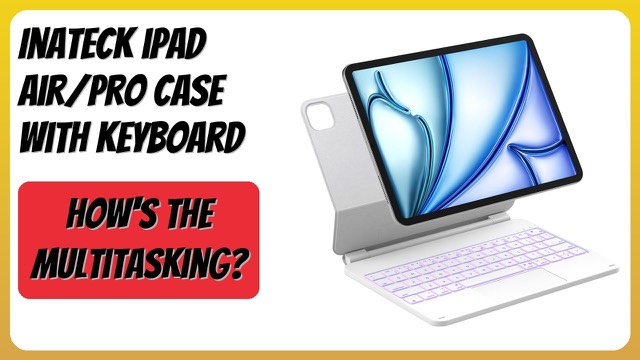
The case has a wireless keyboard with a large multi-touch trackpad. typecase says the trackpad means you don't need an external mouse for editing, browsing and navigating. The keyboard includes a set of iPadOS media shortcuts for volume and music playback.
The backlight offers 11 colours with adjustable brightness, which typically helps when typing in dim rooms, on trains or on planes. As with most wireless keyboard cases, expect to charge it separately from the iPad and to pair it by Bluetooth, as the manual describes.
Seven usage modes with a 360° hinge
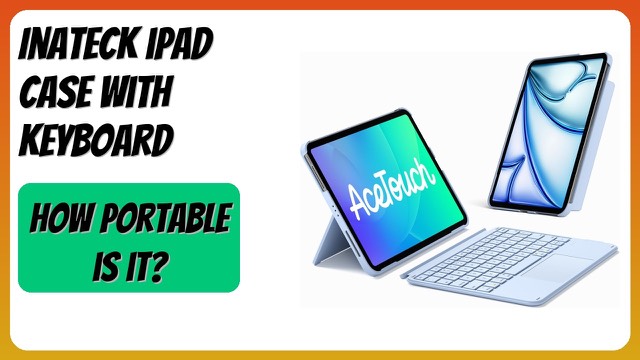
The hinge rotates through 360 degrees, which typecase says gives seven usage modes. In general terms, that covers:
- Typing: a laptop-style angle for writing and email.
- Viewing: the keyboard folded back or tucked away for video.
- Tablet and drawing: the keyboard folded behind the iPad for notes and sketching.
Whether that suits you depends on how you use the iPad. Students and people who annotate documents often switch between typing and handwriting several times a day.
Protection and Pencil storage
The shell is a hardshell design covering the front and back of the iPad, and typecase says the iPad is held firmly in place so it doesn't slip out. A built-in holder keeps an Apple Pencil attached to the case. A hardshell adds some weight, and the case weighs 2.0 lb (about 0.9 kg) with dimensions of 13.0 x 10.6 x 1.0 inches (about 33 x 27 x 2.5 cm), on top of the iPad itself.
Who it suits
It suits students, remote workers and travellers who want a laptop-style setup without carrying a laptop. It also suits artists and note-takers who like the option to fold the keyboard away. Anyone who mostly uses the iPad for reading or video may find a lighter, simpler cover more comfortable.
What to check before you buy
- Exact model: compare your iPad's model number with the compatibility list, especially between the 12.9-inch and 13-inch generations.
- Pencil generation: confirm that your Pencil works with your iPad and fits the holder.
- Charging: check how the keyboard is powered and how often it needs charging.
- Weight: a keyboard case adds noticeable weight and thickness.
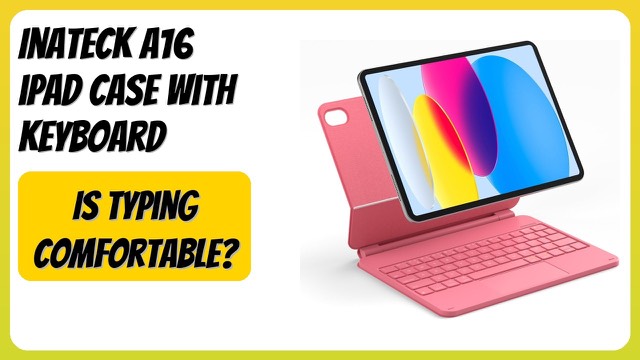
- Colour: this one is pink gold; check the options if you want another finish.
The short version
- A hardshell keyboard case with large trackpad for 13-inch iPad Pro (M4) and iPad Air (M2), plus 12.9-inch iPad Pro 3rd to 6th generation.
- 11-colour adjustable backlight and iPadOS media shortcuts.
- 360° hinge with seven usage modes.
- Front and back protection and a built-in Pencil holder.
- Match the model number before choosing it.
Bloiq is reader-supported. Some links may earn us a commission; it never affects what we write. How we make money.