Home / Tech · Product overviews / Computers & Accessories / Keyboard Cases · More from Inateck
Inateck Keyboard Case for iPad (A16) 11th and 10th Gen: features and fit
A magnetic floating keyboard case with trackpad and 130-degree tilt for the iPad A16 (11th gen) and iPad 10th gen. What the specs mean and how to check the fit.
This page contains an affiliate link, marked as such. If you buy through it, Bloiq may earn a commission at no extra cost to you.
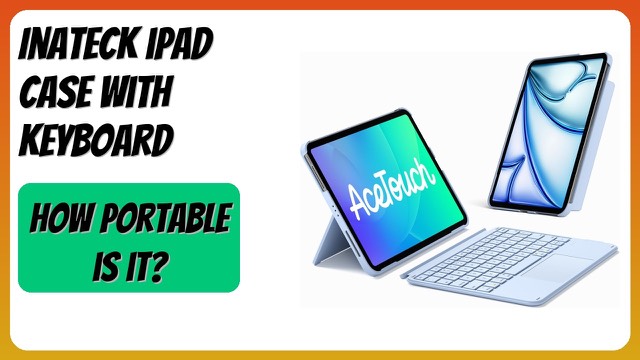
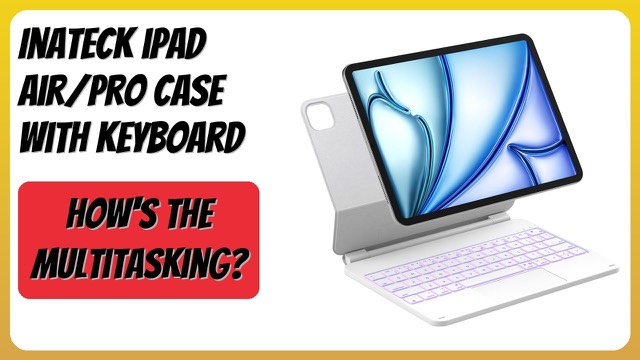
This Inateck keyboard case is made for two standard iPad models: the iPad (A16) 11th generation and the iPad 10th generation. It turns the tablet into a small typing setup with a keyboard, a trackpad and a stand that tilts, while still protecting the back of the device.
Which iPads it fits
Inateck is firm that the case is only for the iPad A16 11th Gen 11-inch 2025 (model numbers A3354, A3355 and A3356) and the iPad 10th Gen 10.9-inch 2022 (A2696, A2757, A2777 and A3162). It asks buyers to look for the model number beginning with "A" on the back of the iPad. That check matters because standard iPads, iPad Air and iPad Pro models are close in size but have different camera and button layouts.
The floating cantilever stand
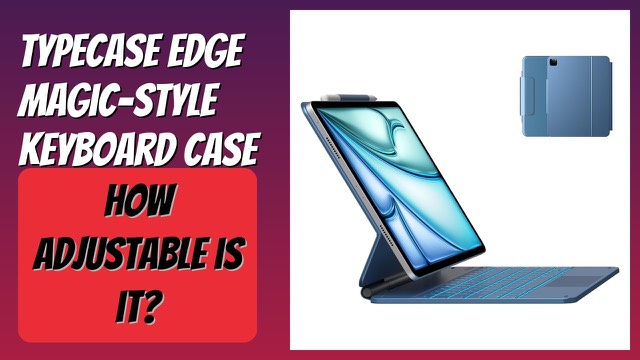
The tablet attaches magnetically and sits above the keyboard on a hinge, which Inateck says is aluminum alloy with tilt adjustment up to 130 degrees. In general, a stand that adjusts further lets you pick an angle for a desk, a lap or a train table. Magnetic attachment also means you can usually take the tablet off the keyboard for reading or tablet-only use.
The case measures 9.8 x 7.6 x 0.8 inches (about 25 x 19 x 2 cm) and weighs 1.4 lb (about 0.64 kg), according to the listing.
Battery life and automatic wake
The keyboard has a built-in battery. Inateck rates it for about a month without the backlight and a week with it, after three hours of charging. It says the keyboard wakes when you open the case and sleeps when you close it, with ultra-low-power standby so it uses little energy when idle. Actual runtime varies with how much you type and the backlight setting.
Trackpad and shortcuts
A multi-touch trackpad supports tapping, dragging and app switching gestures, with anti-mistouch technology to reduce accidental input while typing. The keyboard supports iPadOS shortcuts and hotkeys for tasks such as switching apps, which helps if you do a lot of multitasking.
Who it suits
It suits students, home workers and travellers with one of the two listed iPads who want to write longer documents or answer email comfortably. If you mostly use the tablet for video or sketching, a keyboard may add bulk you don't need.
What to check before you buy
- Model number: compare the "A" number on your iPad's back with the lists above. This is the main compatibility check.
- Generation: the case is not listed for other iPad generations, including Air and Pro models.
- Layout: check the key layout matches what you type in.
- Charging: confirm the charging port and cable you will use.
- Accessories: if you use a stylus or other accessories with your iPad, check how the case affects them.
- Weight: the keyboard adds weight and thickness to the tablet.
The short version
- A keyboard case for the iPad A16 11th gen and the iPad 10th gen.
- Magnetic attachment with a floating stand that tilts up to 130 degrees.
- A multi-touch trackpad and iPadOS hotkeys.
- Rated at about a month without backlight, a week with it, after three hours of charging.
- Check your iPad's model number before choosing.
Bloiq is reader-supported. Some links may earn us a commission; it never affects what we write. How we make money.