Home / Tech · Product overviews / Computers & Accessories / Network Cards · More from ASUS
ASUS PCE-AXE59BT Wi-Fi 6E PCIe Adapter: 6 GHz, Bluetooth 5.2 and fit
The ASUS PCE-AXE59BT is a PCIe card that adds Wi-Fi 6E and Bluetooth 5.2 to a desktop PC, with external antennas on a magnetic base. What the specs mean.
This page contains an affiliate link, marked as such. If you buy through it, Bloiq may earn a commission at no extra cost to you.
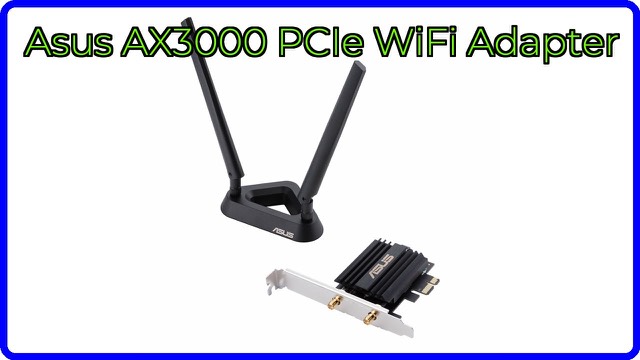
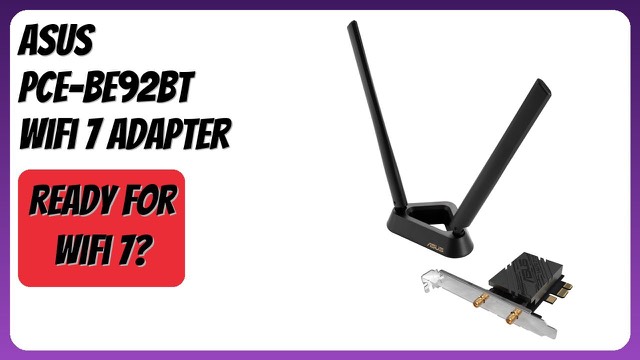
The ASUS PCE-AXE59BT is an internal PCIe expansion card that adds Wi-Fi 6E and Bluetooth 5.2 to a desktop computer. It suits a PC with no wireless, or one with an older adapter, when a wired connection to the router is impractical. It comes with two external antennas on a magnetic base, so they can sit where the signal is stronger.
What Wi-Fi 6E adds
Wi-Fi 6E is Wi-Fi 6 extended into the 6 GHz band. ASUS says this band offers up to seven extra 160 MHz channels, with more bandwidth and less congestion. Because only 6E devices use it, your PC does not have to share those channels with older phones, smart-home gadgets and neighbours' networks, which typically crowd the 2.4 and 5 GHz bands.
To use 6 GHz you need a 6E router. With an ordinary Wi-Fi 6 or Wi-Fi 5 router, the card still works, but on the lower bands. 6 GHz signals also carry less far and pass through walls less well than 5 GHz, which is a general property of the band.
Speed and the AX5400 figure
AX5400 is a combined theoretical figure across bands. ASUS cites speeds up to 4.6 times faster than the previous generation, and the figure assumes ideal conditions. ASUS notes that actual throughput and coverage depend on network traffic, building materials and overhead, and in practice they are lower than the headline figures. The card supports 160 MHz channels, OFDMA and MU-MIMO, which are standard Wi-Fi 6 features for handling several devices efficiently.
Security
The card supports WPA3, the current Wi-Fi security standard. WPA3 requires a router that supports it too, and it works best when both sides do.
Bluetooth 5.2
Bluetooth 5.2 is built into the same card. ASUS says it improves range, speed and interference compared with older versions. It lets you connect headphones, controllers, keyboards and other peripherals without a separate dongle. Bluetooth on a card like this usually needs a connection from the card to a USB header on the motherboard, so check the manual.
External antennas
Two antennas with a magnetized base connect to the card by cable. They can be placed on top of a metal case or on a desk, away from the cluttered area behind the PC. ASUS says this helps reduce dead zones. A PC tucked under a desk or inside a cabinet usually gets a weaker signal, so antenna placement matters.
Size and installation
The card measures about 4.7 x 3.5 x 0.9 inches (12 x 9 x 2.3 cm) and weighs 0.2 lb, and it fits a PCI Express slot on a desktop motherboard. Installation involves powering down the PC, fitting the card, attaching the antennas and installing the drivers. Check which operating systems have drivers before you buy.
What to check before you buy
- Free slot: confirm a free PCIe slot on your motherboard and room next to your graphics card.
- Case size: low-profile cases may need a different bracket than the standard one.
- Router: you need a Wi-Fi 6E router to reach the 6 GHz band.
- Operating system: check the driver support list for your system.
- Bluetooth connection: confirm you have a spare internal USB header.
- Antenna placement: make sure the cable lets you place the antennas in the open.
The short version
- An internal PCIe Wi-Fi 6E and Bluetooth 5.2 card for desktops, ASUS model PCE-AXE59BT.
- Supports the 6 GHz band, 160 MHz channels, OFDMA, MU-MIMO and WPA3.
- Two external antennas on a magnetic base for better positioning.
- Real speeds depend on your router, home layout and network traffic.
Bloiq is reader-supported. Some links may earn us a commission; it never affects what we write. How we make money.