OBD2 scanners explained: code readers, scan tools and apps
What OBD2 is, how code readers differ from scan tools, what live data and bidirectional controls do, how Bluetooth dongles work, and what no scanner can tell you.
When a warning light appears on the dashboard, an OBD2 scanner can tell you what the car's computer has detected in minutes, without a trip to the garage. Scanners range from simple code readers to professional-style tools that can command components and reset service systems, plus a crowded market of plug-in Bluetooth dongles and apps. This guide explains what OBD2 is, what each type of tool can do, and where their limits lie.
What OBD2 is
OBD2 (also written OBD-II) stands for on-board diagnostics, second generation. It's a standardised system that lets any compatible tool read fault information and data from a vehicle's engine management system, largely so that emissions problems can be detected and checked.
- In the United States, it's been required on cars and light trucks from the 1996 model year.
- In the European Union, the equivalent EOBD has been required on petrol cars from 2001 and diesel cars from 2004.
- Canada, the UK and many other markets have similar requirements for vehicles of broadly the same era.
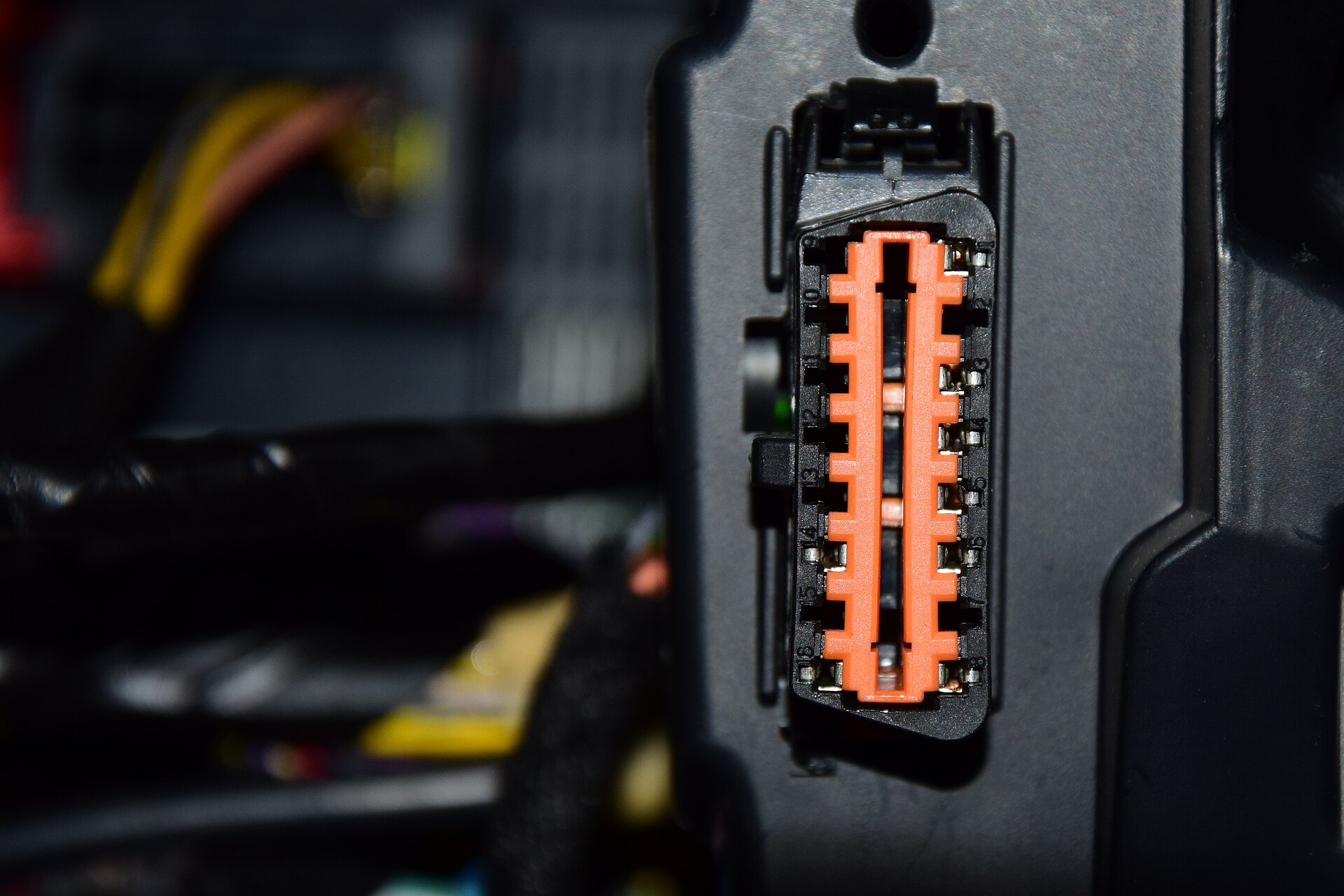
Every compatible vehicle has a standard 16-pin connector, usually under the dashboard near the steering column. Several communication protocols exist; most vehicles from the late 2000s onwards use CAN, and most scanners support all the common protocols.
Heavy trucks generally use a different diagnostic standard and connector, and motorcycles use their own systems, so check compatibility if you have either.
Reading fault codes
When the engine computer detects a problem, it stores a diagnostic trouble code (DTC) and may switch on the check-engine light. Codes have five characters:
- The first letter is the system: P (powertrain), B (body), C (chassis) or U (network communication).
- The first digit shows whether the code is generic (0), with the same meaning on every vehicle, or manufacturer-specific (usually 1).
- The remaining digits identify the fault. For example, P0300 means random or multiple cylinder misfires detected.
Scanners can also show:
- Pending codes, for faults detected once but not yet confirmed;
- Freeze-frame data, a snapshot of engine conditions such as speed, temperature and load at the moment a fault was stored;
- Readiness monitors, which show whether the car's self-tests have completed. These matter for emissions inspections in many places.
Rule of thumb: a steady check-engine light means get it checked soon. A flashing light usually indicates a severe misfire that can damage the catalytic converter, so reduce speed and load and have it looked at promptly.
Code readers versus scan tools
| Type | Typical abilities | Best for |
|---|---|---|
| Basic code reader | Reads and clears engine codes; may show freeze frame and readiness | Finding out why the check-engine light is on |
| Scan tool | Adds live data, graphs and recording; often ABS, airbag and transmission codes | Home mechanics diagnosing problems |
| Bidirectional scan tool | Adds active tests, service resets and some calibrations | Enthusiasts doing their own maintenance and repairs |
The key distinction is coverage. Generic OBD2 mainly covers the engine and emissions systems. Reading codes from the ABS, airbag (SRS), transmission, body and other modules needs a tool with enhanced, manufacturer-specific coverage for your make, model and year. Always check a tool's vehicle coverage list before buying.
Live data
Live data lets you watch sensor readings while the engine runs, which is often more useful than the code itself. Common values include:
- engine speed, load and coolant temperature;
- fuel trims, which show how much the computer is adding or removing fuel to correct the mixture;
- oxygen sensor readings;
- mass airflow and intake pressure;
- vehicle speed, throttle position and battery voltage.
Tools that graph several values together or record a test drive make it much easier to catch intermittent faults. The number of available readings varies by vehicle and by tool.
Bidirectional controls and service functions
A bidirectional tool doesn't just listen; it sends commands to the car. Depending on the vehicle and tool, that can include:
- Active tests, such as switching on a fuel pump, cooling fan or relay to check it works;
- ABS bleeding, cycling the ABS valves when bleeding brakes;
- Electronic parking brake service mode for changing rear pads;
- Battery registration, telling the car a new battery has been fitted;
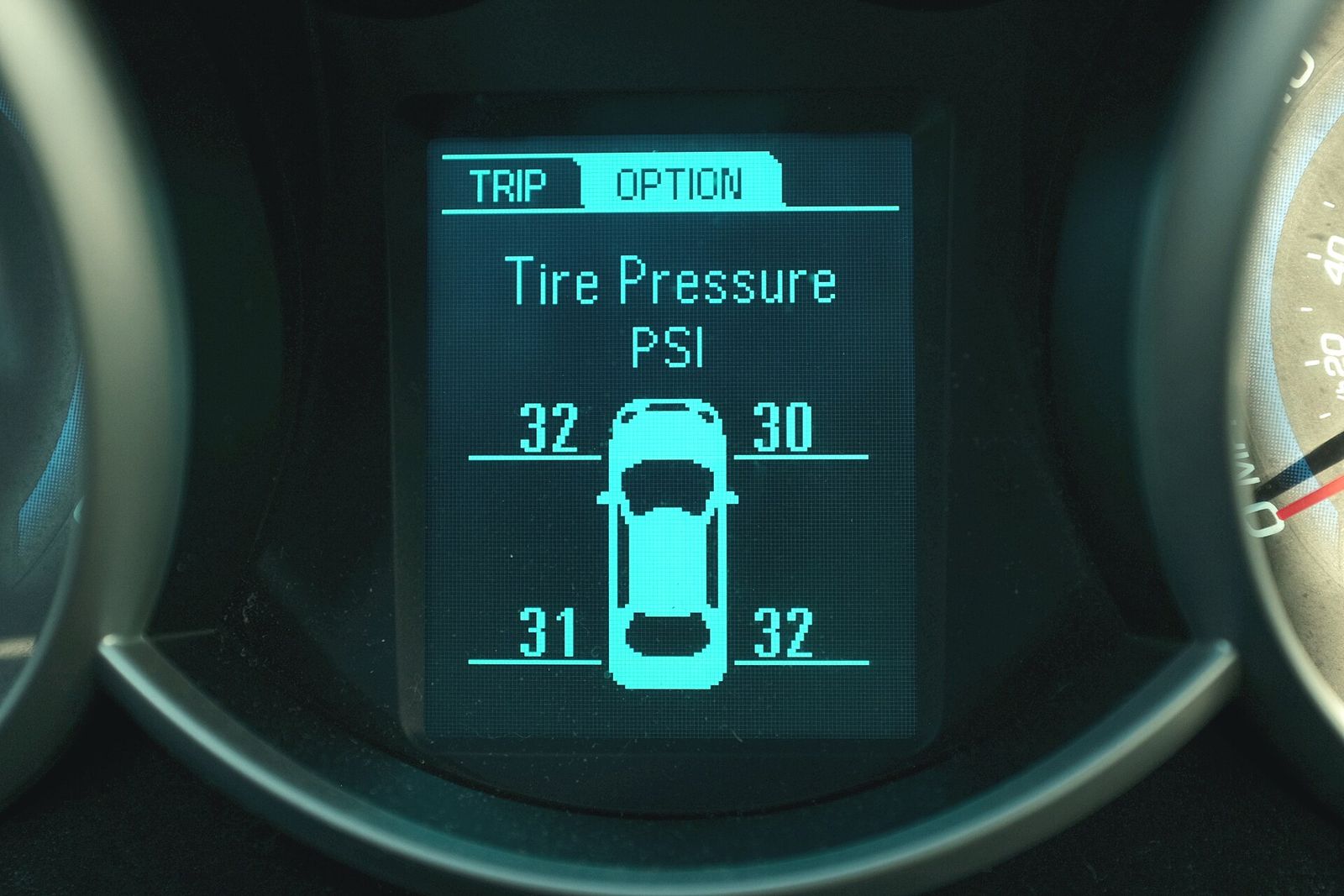
- Service light and oil reset, steering angle calibration, throttle relearn, tyre pressure sensor relearn and DPF regeneration on diesels.
These functions are powerful, and some can cause problems if misused. Follow the tool's instructions closely, and don't attempt coding or programming functions unless you understand them. Many newer vehicles also have security gateways that restrict these functions to authorised or registered tools, so check that a scanner supports your vehicle's access requirements.
Bluetooth dongles and apps
A popular alternative to a handheld scanner is a small dongle that plugs into the OBD2 port and connects wirelessly to a phone app.
- Pros: compact, often inexpensive, with a large phone screen for graphs and easy updates.
- Cons: capabilities depend entirely on the app, and many apps charge a subscription or one-off fee for enhanced features, particular makes or service functions.
Points to check:
- Phone compatibility. Many iPhones can't connect to older-style Bluetooth dongles; look for dongles that use Bluetooth Low Energy or Wi-Fi and state iOS support.
- App lock-in. Some dongles only work with their maker's app; generic ELM327-type dongles work with many apps, but quality varies widely.
- Subscription costs over several years, not just the purchase price.
- Battery drain. A dongle left plugged in can slowly drain the battery unless it sleeps properly. Unplug it when you're not using it; that's also sensible for security, as it's a wireless connection to the car's network.
Handheld scanners need no phone or app and are simple to share between vehicles. Higher-end tablet-style tools combine both approaches.
What a scanner can't do
- Tell you which part to replace. A code describes the fault the computer detected, not its cause. A misfire code might be a spark plug, coil, injector, vacuum leak or mechanical fault.
- Detect problems without a sensor. Worn suspension, many noises, leaks and brake wear often leave no code at all.
- Fix anything by clearing codes. Clearing turns the light off and resets readiness monitors; the car may then fail an emissions inspection until its self-tests complete, and the fault will return if it's still there.
- Replace proper repair information. Manufacturer service data and test procedures are what turn a code into a diagnosis.
- Show much on some electric vehicles. EVs have no exhaust emissions to monitor, so generic OBD2 data can be limited; enhanced tools with EV coverage are needed.
Never clear airbag or brake codes without fixing the underlying fault, and don't use an app while driving; ask a passenger or record the drive.
The short version
- For check-engine lights only, a basic code reader is enough.
- For diagnosis, choose a scan tool with live data and graphing.
- Need ABS, airbag or transmission codes? Check enhanced coverage for your exact vehicle.
- Want service resets and active tests? Choose a bidirectional tool.
- For dongles, check phone compatibility and subscription costs.
- Treat codes as clues, not answers.
Bloiq is reader-supported. Some links may earn us a commission; it never affects what we write. How we make money.
Cover photo: 0x010C, CC BY-SA 4.0, via Wikimedia Commons