Home / Tech · Product overviews / Security & Surveillance / Home Security Systems · More from eufy Security
eufy Smart Display E10: an 8-inch home security control panel explained
An 8-inch touchscreen that shows doorbell and camera feeds, four live views at once and local playback of past events. What it does and what it needs.
This page contains an affiliate link, marked as such. If you buy through it, Bloiq may earn a commission at no extra cost to you.
The eufy Smart Display E10 (model T87A0) is an 8-inch touchscreen that acts as a control panel for a eufy security system. It puts live camera views, door alerts and recorded events on a screen at home, so you don't need to reach for your phone. Here is what it does and what it relies on.
Door alerts on the screen
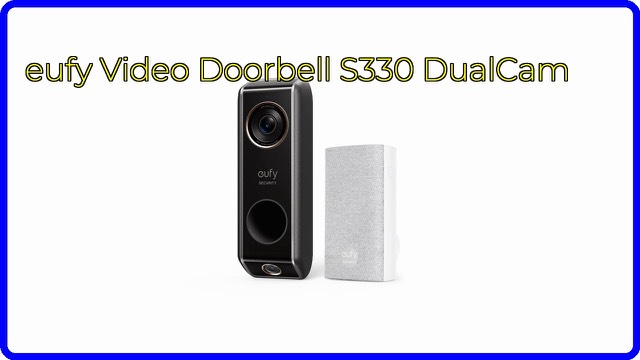
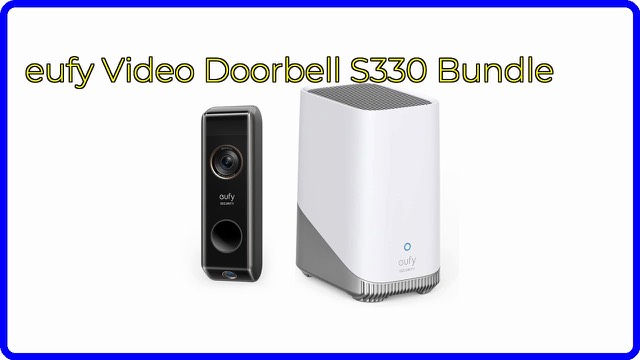
According to eufy, when someone rings the doorbell, unlocks the door or is detected by a camera, the display lights up with a live feed and plays a voice alert. The idea is to see who is there without picking up a phone. It works with eufy cameras, doorbells and smart locks, so the alerts depend on which of those you already have.
Four views at once
The screen can show four live feeds at the same time. A multi-view layout is useful when you want to check the front door, the driveway and the back garden in one glance. eufy says live video streams open almost instantly when you tap into one.
Playback from local storage
eufy says historical events are downloaded automatically to the display's local storage so you can replay them without buffering. Local playback typically starts faster than streaming a clip from a remote server, since the file is already on the device.
Daily summaries
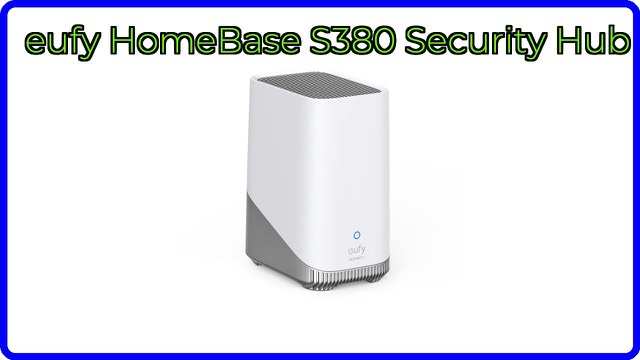
With facial and package recognition provided by HomeBase 3, the display compiles daily reports. eufy says these include statistics and video recordings of key events, so you can catch up on the day quickly. These recognition features come from the HomeBase 3, not from the display itself.
The touchscreen
The 8-inch touchscreen is described by eufy as simple enough for children and older adults. A dedicated screen can be easier for family members who don't want to install an app or who don't carry a phone around the house.
Who it suits
It suits households that already have eufy cameras, a doorbell or a smart lock and want a fixed place to check them, such as a kitchen counter, hallway or home office.
What to check before you buy
- Your eufy system: confirm the cameras, doorbell or lock you own work with the E10, as the manual lists.
- HomeBase 3: facial and package recognition and daily summaries rely on it.
- Placement: think about where it will sit, whether on a surface or mounted, and how it will be powered.
- Wi-Fi: check coverage at the spot where it will go.
- Household access: decide who should be able to see the feeds and how screen access is protected.
- Size: check the manual for the display's exact dimensions, since listings of this kind can be inconsistent.
The short version
- An 8-inch touchscreen control panel for eufy security devices.
- Live feed and voice alert when the doorbell rings, a door unlocks or a camera detects someone.
- Four simultaneous live views.
- Past events downloaded to local storage for instant replay.
- Daily summaries with facial and package recognition require HomeBase 3.
Bloiq is reader-supported. Some links may earn us a commission; it never affects what we write. How we make money.