Home / Tech · Product overviews / Computers & Accessories / Towers · More from ASUS
ASUS ROG G16CH Gaming Desktop (i7-14700F, RTX 4060 Ti): specs explained
The ASUS ROG G16CHR-AS766Ti gaming PC pairs a Core i7-14700F with an RTX 4060 Ti, 32GB DDR5 and a 1TB PCIe Gen4 SSD. What the specs mean and who it suits.
This page contains an affiliate link, marked as such. If you buy through it, Bloiq may earn a commission at no extra cost to you.
The ASUS ROG G16CH (model G16CHR-AS766Ti) is a ready-built gaming desktop with an Intel Core i7-14700F processor, an NVIDIA GeForce RTX 4060 Ti graphics card, 32GB of DDR5 memory and a 1TB PCIe Gen4 SSD. It arrives with Windows 11 installed, so it suits someone who wants a gaming PC without choosing and assembling parts.
The processor and graphics card
The Core i7-14700F is a 14th-generation Intel desktop chip. The "F" in the name means it has no integrated graphics, so the graphics card handles all display output. That is normal for a gaming desktop. The GeForce RTX 4060 Ti (a Dual-fan model here) is aimed at gaming at 1080p and often 1440p, depending on the game and settings. Real frame rates vary a lot between titles, so look up benchmarks for the games you play.
Memory and storage
The listing gives 32GB of DDR5 RAM and four U-DIMM slots, which leaves room to add or swap modules. For gaming alongside streaming, browsers and chat apps, 32GB is generous. The 1TB SSD uses PCIe Gen4, which typically means much faster loading than a hard drive. ASUS says storage can expand to 2TB of SSD and 2TB of HDD. Modern games are often well over 100GB each, so a 1TB drive fills faster than people expect, and extra storage is a common upgrade.
Cooling
ASUS lists air coolers designed for both 65W and 105W TDP processors, and describes cool and quiet operation during intense sessions. The mesh front panel is there to let air in. Leave space around the case for ventilation.
Design and lighting
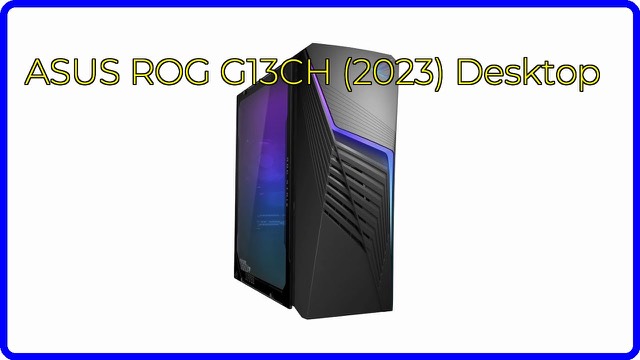
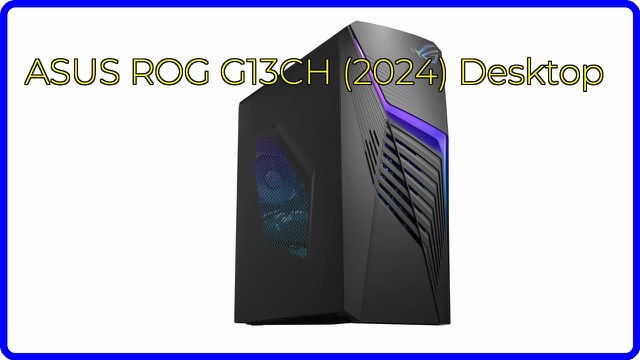
ASUS calls the look Strix styling: a mesh front panel, a double D-ring handle, a headset holder and subtle RGB lighting. The side panel uses transparent EMI Glass, and Aura Sync lets you set the lighting on the front panel, interior and compatible peripherals together. The case measures 7.3 x 16.6 x 20.1 inches (about 19 x 42 x 51 cm).
Audio and connectivity
ASUS lists Dolby Atmos audio support and Two-Way AI Noise-Cancellation for clearer voice chat. It says the PC supports multi-monitor setups and a wide range of peripherals. The listing doesn't give a full port list, so check the specification sheet for the number and type of USB, display and audio ports you need.
Who it suits
It suits gamers who want a ready-to-run machine that can also be upgraded over time, and people who also edit video or run other demanding programs. A tower this size needs desk or floor space.
What to check before you buy
- Ports and displays: confirm the video outputs match your monitors.
- Games you play: look up how this graphics card performs in them at your resolution.
- Space and noise: check the case size and where air will move in and out.
- Upgrades: confirm the free RAM and storage slots and check the warranty terms before opening the case.
- Peripherals: the listing doesn't mention a monitor, keyboard or mouse, so check what's in the box.
The short version
- ASUS ROG G16CHR-AS766Ti gaming desktop with Windows 11.
- Intel Core i7-14700F and NVIDIA GeForce RTX 4060 Ti Dual.
- 32GB DDR5 across four U-DIMM slots; 1TB PCIe Gen4 SSD, expandable to 2TB SSD plus 2TB HDD.
- Air cooling, mesh front, EMI Glass side panel and Aura Sync lighting.
- Dolby Atmos support and two-way AI noise cancellation.
Bloiq is reader-supported. Some links may earn us a commission; it never affects what we write. How we make money.